Operation 4
STERRAD VELOCITY Reader User’s Guide 17
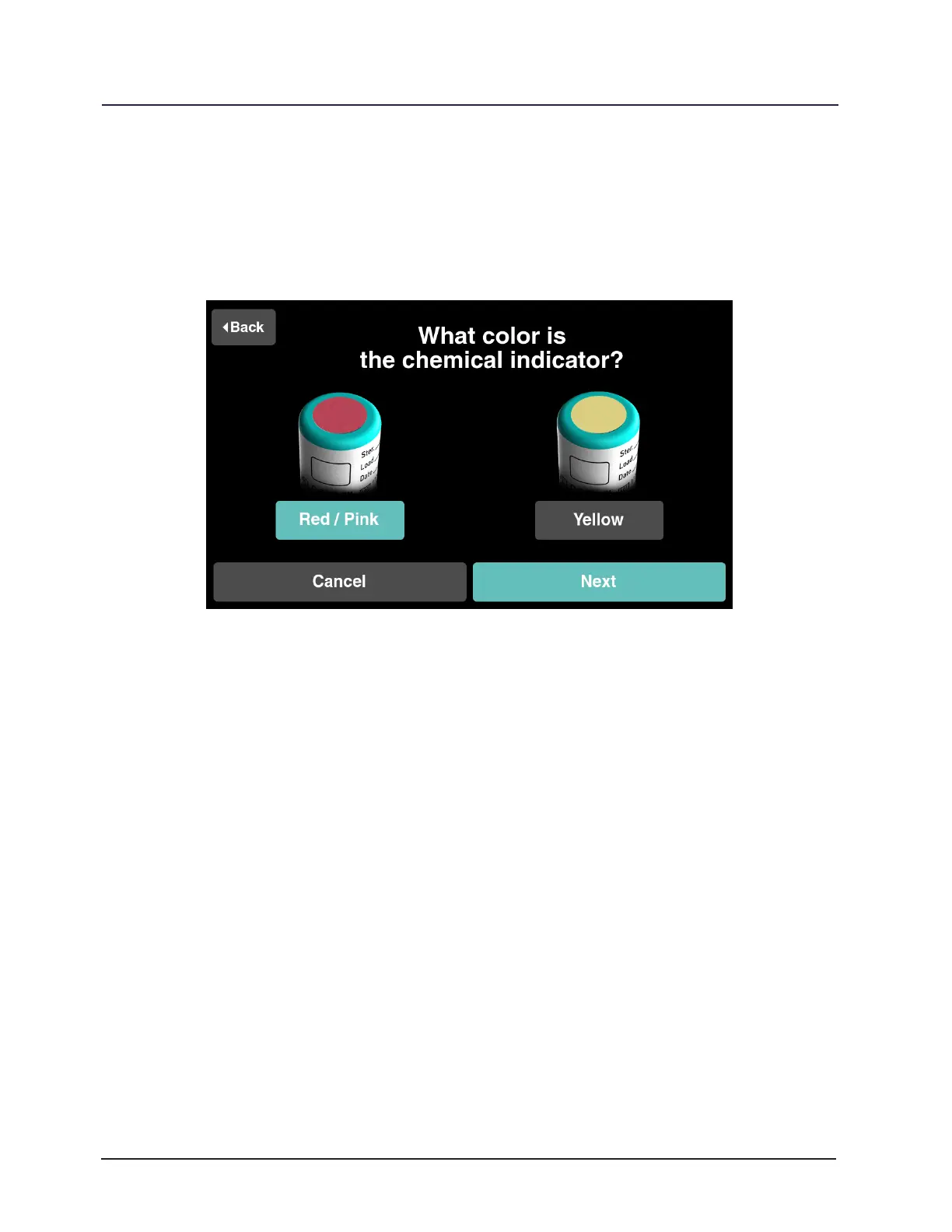
If it is customary for your department to conrm chemical indicator color change
on a positive control BI, touch Red / Pink if the chemical indicator on the BI cap has
remained red/pink (refer to the “Chemical Indicator Result” section (Chapter 4) for more
detailed instructions). Touch Next to continue. If the color has changed to yellow touch
Yellow and refer to the “Troubleshooting“ section of this guide (Chapter 8).
Figure 7. Chemical Indicator Color Change
9 Note: Chemical indicator conrmation for a positive control BI can be changed in
the Utilities Menu under Control Alerts.



 To Next Page