CHAPTER 5 CUSTOMIZING THE EVOLUTION BACKUP DISPLAY
Page 5-8
091-00027-001 REV A Evolution Backup Display Pilot’s Guide
Page 5-9
091-00027-001 REV A
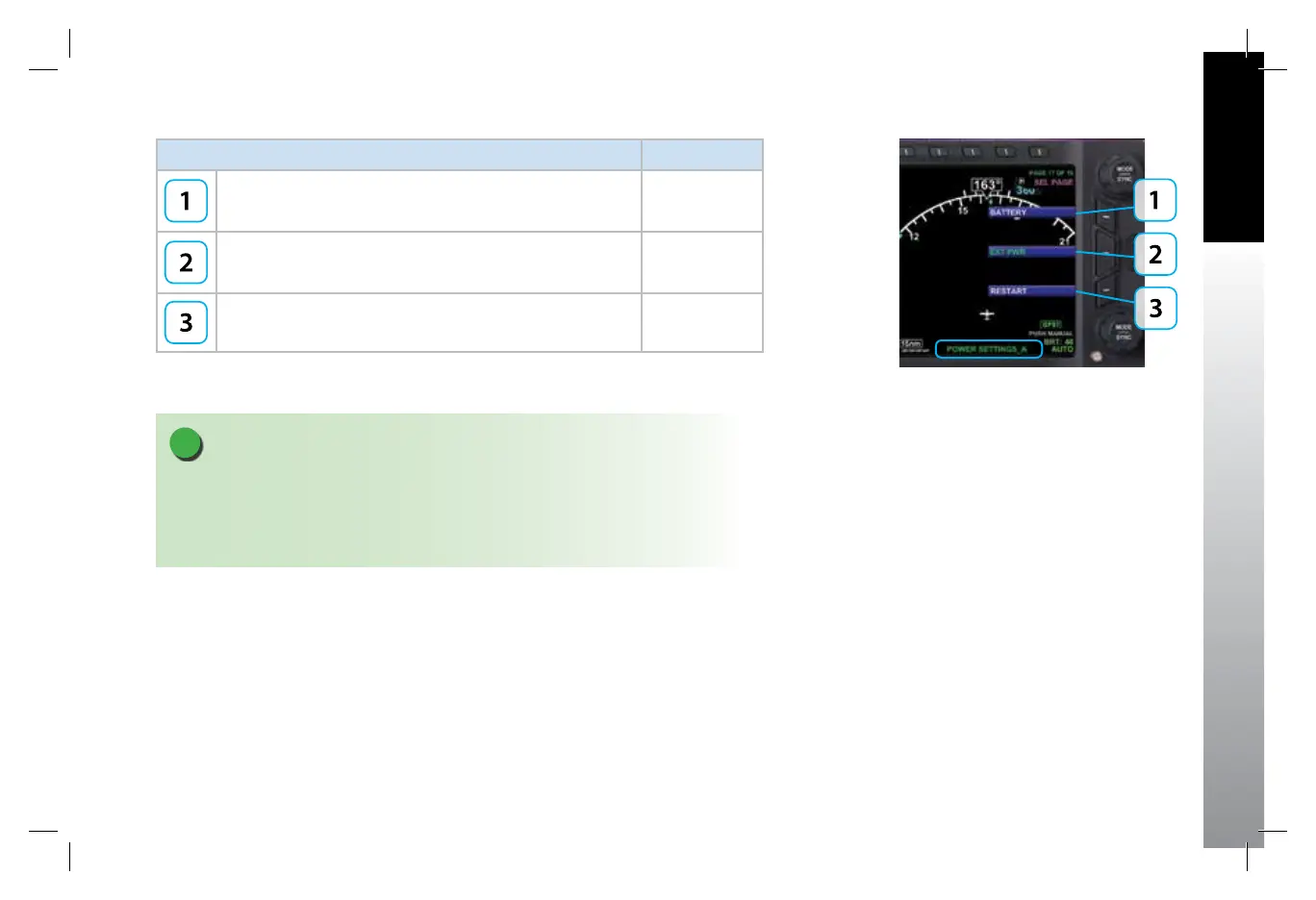
KEY DESCRIPTION OPTIONS
Operating from or Switch to Battery Power. Green when current
state (Pressing key performs no action). White if selection is
possible.
Status or Action
Operating from or Switch to External Power. Green when current
state (Pressing key performs no action). White if selection is
possible.
Status or Action
Restart (Depending on Air/Ground Logic State). Action
Table 5-16
Menu – POWER SETTINGS
Figure 5-16
POWER SETTINGS A
NOTE
For external/battery power control, the legend of the current power source is shown
in green; pressing the associated menu key will perform no action. The legend of an
available power source is shown in white, and pressing the associated menu key changes
input power to that power source.
091-00027-001 Rev A EBD Pilots Guide V&H .indb 9 8/27/14 8:51 AM



 To Next Page