CHAPTER 5 CUSTOMIZING THE EVOLUTION BACKUP DISPLAY
Page 5-16
091-00027-001 REV A Evolution Backup Display Pilot’s Guide
Page 5-17
091-00027-001 REV A
Evolution Backup Display Pilot’s Guide
On aircraft with aps, setting the upper and lower thresholds of the white and/or yellow
bands to the same value disables the applicable band. When disabled, the band does
not display.
When using the Vspeed textual markers, the pilot must rst ENABLE the display of
the markers and then set values for each Vspeed. The value range for Vspeed textual
markers is 0 – 450 or LOCKED. The default setting is 0 unless previously set to another
value. When the value is 0, the Vspeed is individually disabled, and the marker is not
shown on the Airspeed Tape. Once the values are set, the pilot can choose to disable all
the Vspeed textual markers to declutter the Airspeed Tape.
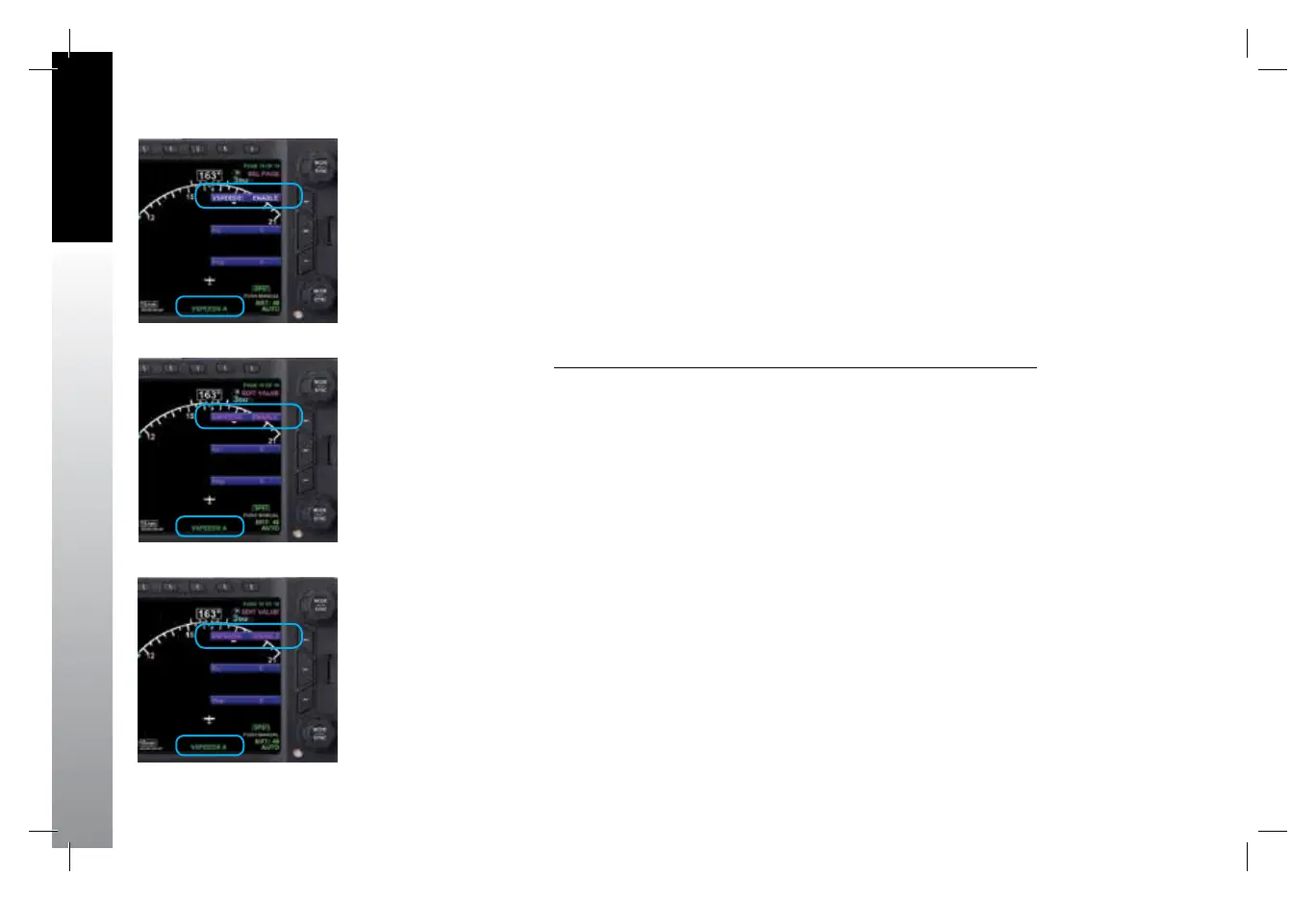
Display or Hide the Vspeed Textual Markers on the Airspeed Tape
1. Press the MENU Button.
2. Rotate the Top Knob to the VSPEEDS A Menu page (Figure5-24).
3. Press the VSPEEDS Menu Key.
The Menu label turns magenta, and the EDIT VALUE label displays above the
Top Knob (Figure 5-25).
4. Rotate the Top Knob to select ENABLE or DISABLE (Figure 5-26).
ENABLE will display the Vspeeds on the Airspeed Tape and DISABLE will hide
the Vspeeds to declutter the Airspeed Tape
5. Press the MENU Button to exit.
Figure 5-26
VSPEEDS Disabled
Figure 5-25
Editing VSPEEDS
Figure 5-24
VSPEEDS A
091-00027-001 Rev A EBD Pilots Guide V&H .indb 16 8/27/14 8:51 AM



 To Next Page