CHAPTER 3 FLYING THE EVOLUTION BACKUP DISPLAY
Page 3-12
091-00027-001 REV A Evolution Backup Display Pilot’s Guide
Page 3-13
091-00027-001 REV A
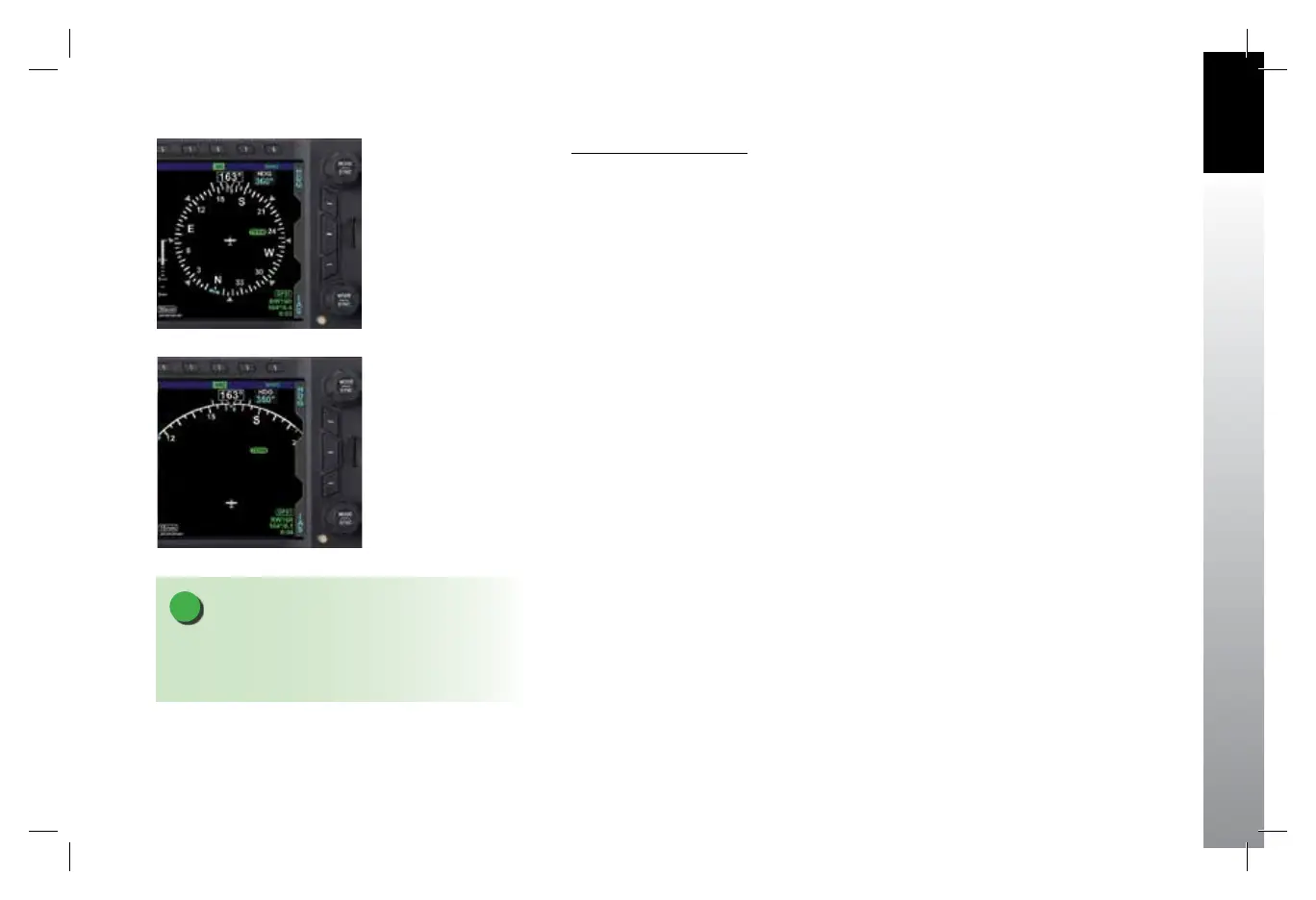
Select a Compass Mode
• Press the 360/ARC Hot Key to alternately select either the 360° (Figure 3-32)
or the ARC (Figure 3-33) Compass Mode.
Figure 3-32
360° Compass Mode
Figure 3-33
ARC CDI Compass Mode
NOTE
Each DG Compass Mode (360 and ARC) retains its own
Range and Map declutter settings when switching
between the two.
091-00027-001 Rev A EBD Pilots Guide V&H .indb 13 8/27/14 8:51 AM



 To Next Page