TECHNICIANS' manual56 of 104
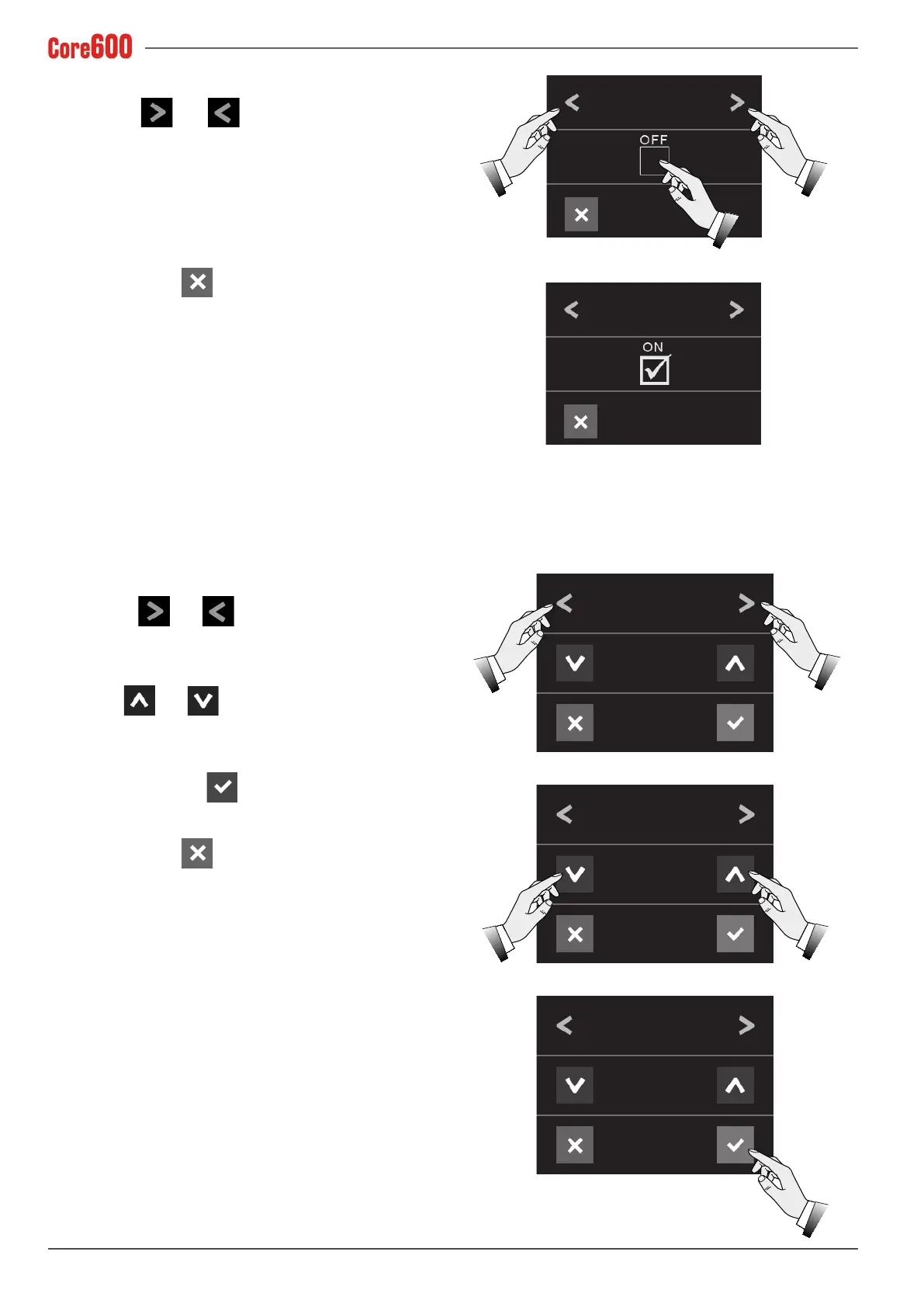
7.14.14 Pump pressure sensor
• Select the and arrows until the words "PUMP
PRESS. SENS." appear on the display;
• Tick the checkbox to enable or disable the pump pressure
sensor;
• To exit, press the
button.
7.14.15 Temperature
• Select the and arrows until the word "TEMPER-
ATURE" appears on the display;
• Use the and arrows to set the unit of measure-
ment to use for the temperature (°C or °F);
• Toconrm,pressthe
button;
• To exit, press the
button.
PUMP PRESS. SENS.
PUMP PRESS. SENS.
TEMPERATURE
TEMPERATURE
TEMPERATURE
FAHRENHEIT
CELSIUS
CELSIUS



 To Next Page