TECHNICIANS' manual 57 of 104
7.14.16 Support phone number
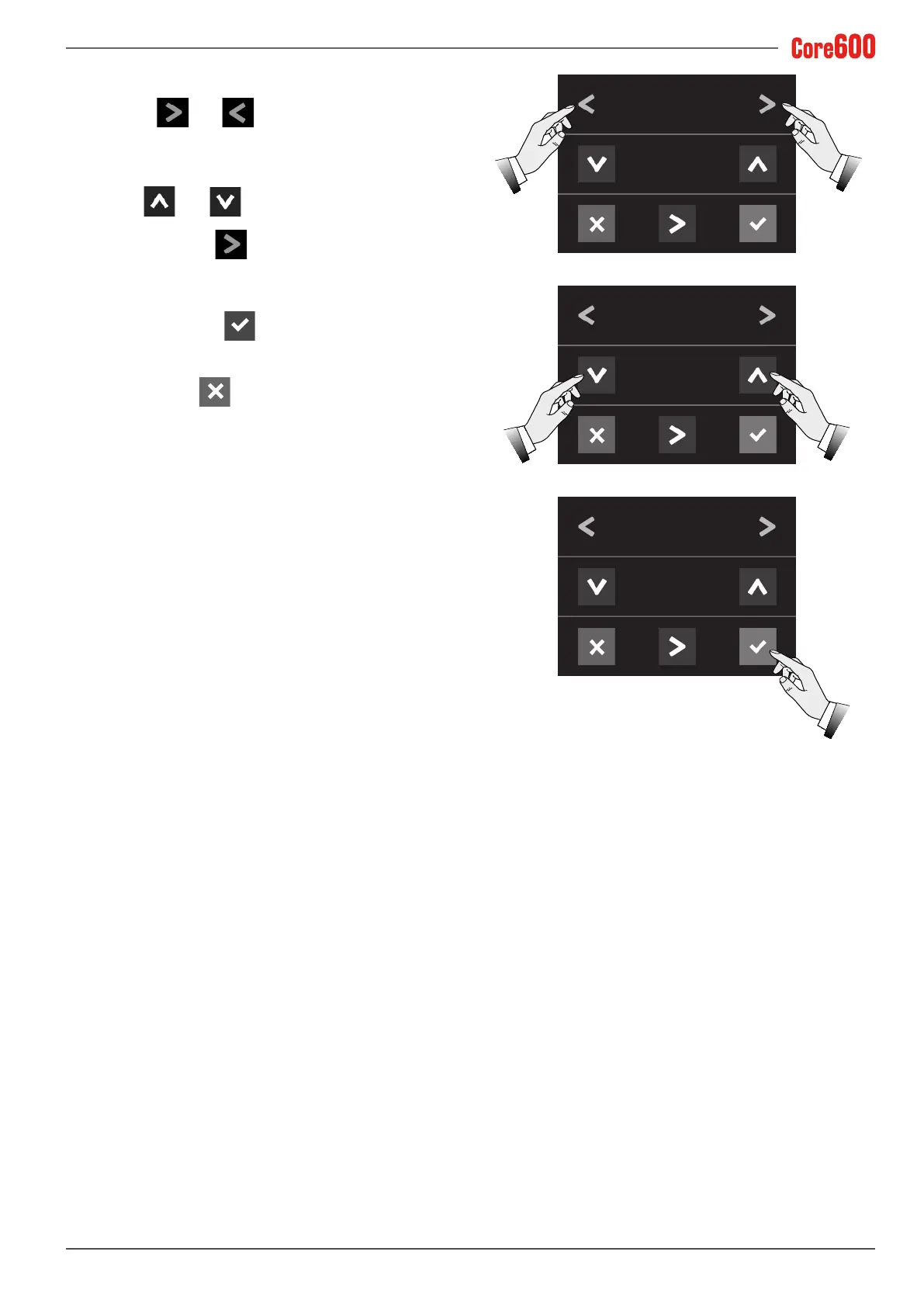
• Select the and arrows until the words "PHONE
NR." appear on the display;
• Use the and arrows to set the phone number
for the Technical Assistance which will be shown if the user
requires it. Use the
arrow to move the cursor to the
value;
• Toconrm,pressthe
button;
• To exit, press the
button.
PHONE NR.
0000000000
PHONE NR.
0125858676
PHONE NR.
0125858676













 To Next Page