TECHNICIANS' manual58 of 104
7.14.17 Technician Password
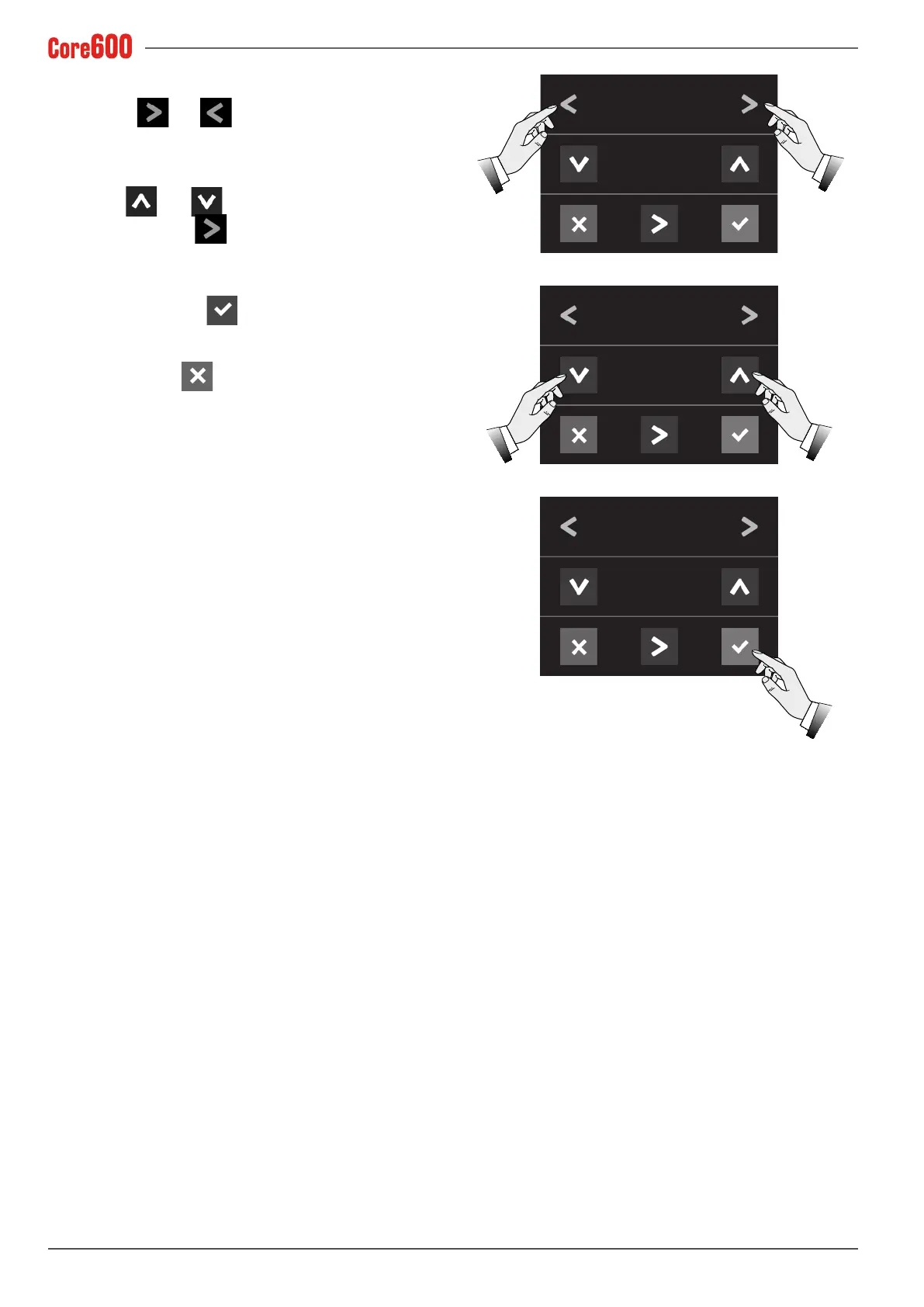
• Select the and arrows until the words "CHANGE
PASSWORD" appear on the display;
• Use the
and arrows to set the new technician
password; Use the arrow to move the cursor to the
value;
• Toconrm,pressthe
button;
• To exit, press the
button.
CHANGE PASSWORD
6 6 6 6 6
CHANGE PASSWORD
4 7 1 8 2
CHANGE PASSWORD
4 7 1 8 2







 To Next Page