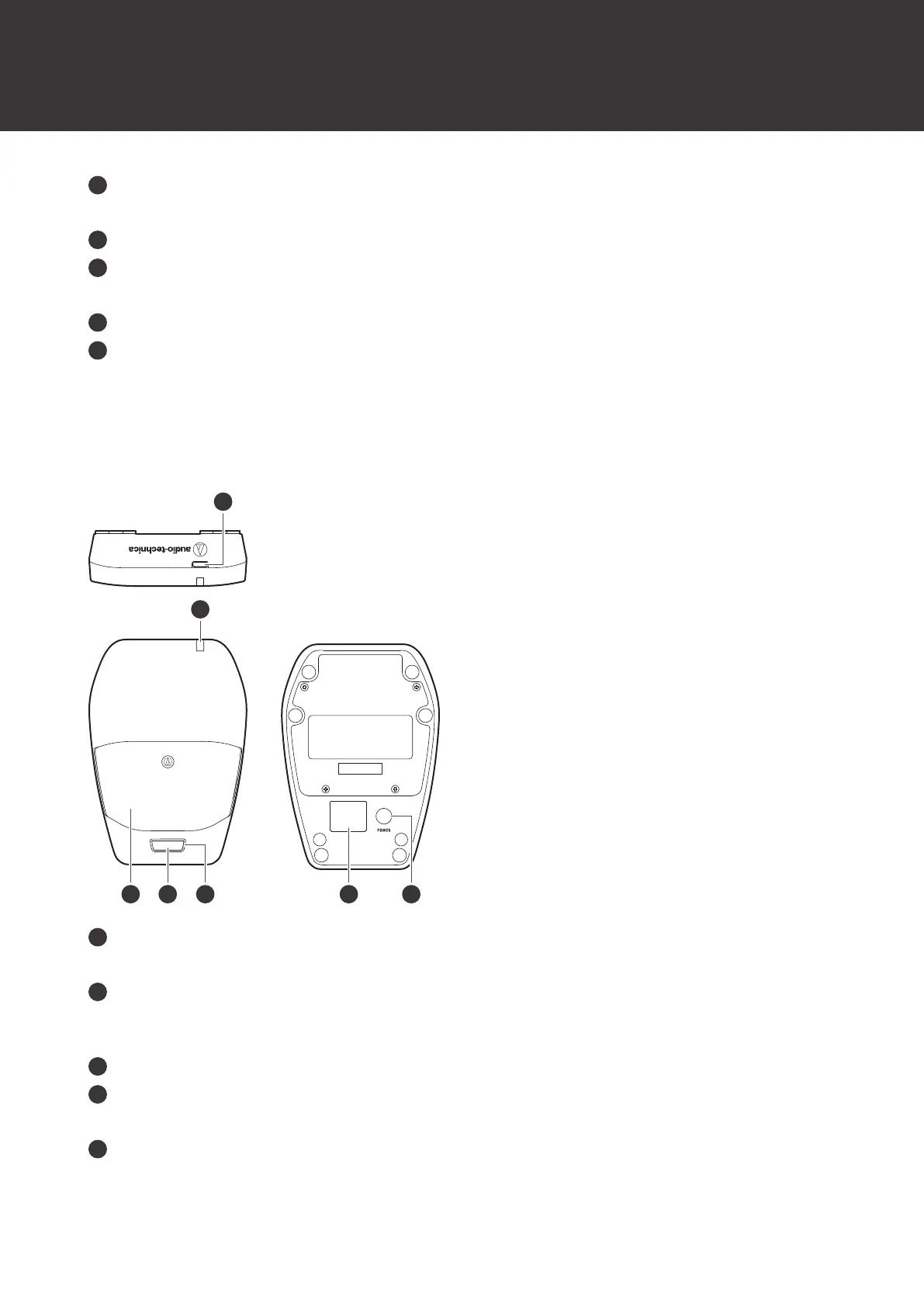
Part names and functions
12
Mute switch
Switches between muted and unmuted.
Grip case
Power button
Turns the device on/off and performs pairing.
Charging terminal
USB port (USB Type-C)
Use this port when updating the firmware.
ATW-T1406
USB port (USB Type-C)
Use this port when charging the device and when updating the firmware.
Status indicator lamp
Lights when the device is on. This lamp also shows the status of this transmitter. Refer to "Indicator lamps" (p. 73)
for details.
Microphone
Talk switch
Switches between muted and unmuted.
Talk indicator lamp
Shows the muted/unmuted status. Refer to "Indicator lamps" (p. 73) for details.













 To Next Page