Directory Number
The directory numbers assigned to the interface and allocated to two separate endpoints. This
field must be administered in pairs. Accepts up to 10 characters.
SPID
The Service Profile Identifier (SPID) expected by the far end. Accepts up to 12 characters.
Communication Manager prevents changing this field unless the port is busied out or
unadministered. The only protocol supported for SPID initialization is Country Code 1. Trunks
are not put in service if SPID installation is unsuccessful. Leading zeroes are significant and
must not be ignored.
Endpt Init
Indicates whether the far end supports endpoint initialization. Communication Manager blocks
you from changing this field unless the port is busied out or unadministered.
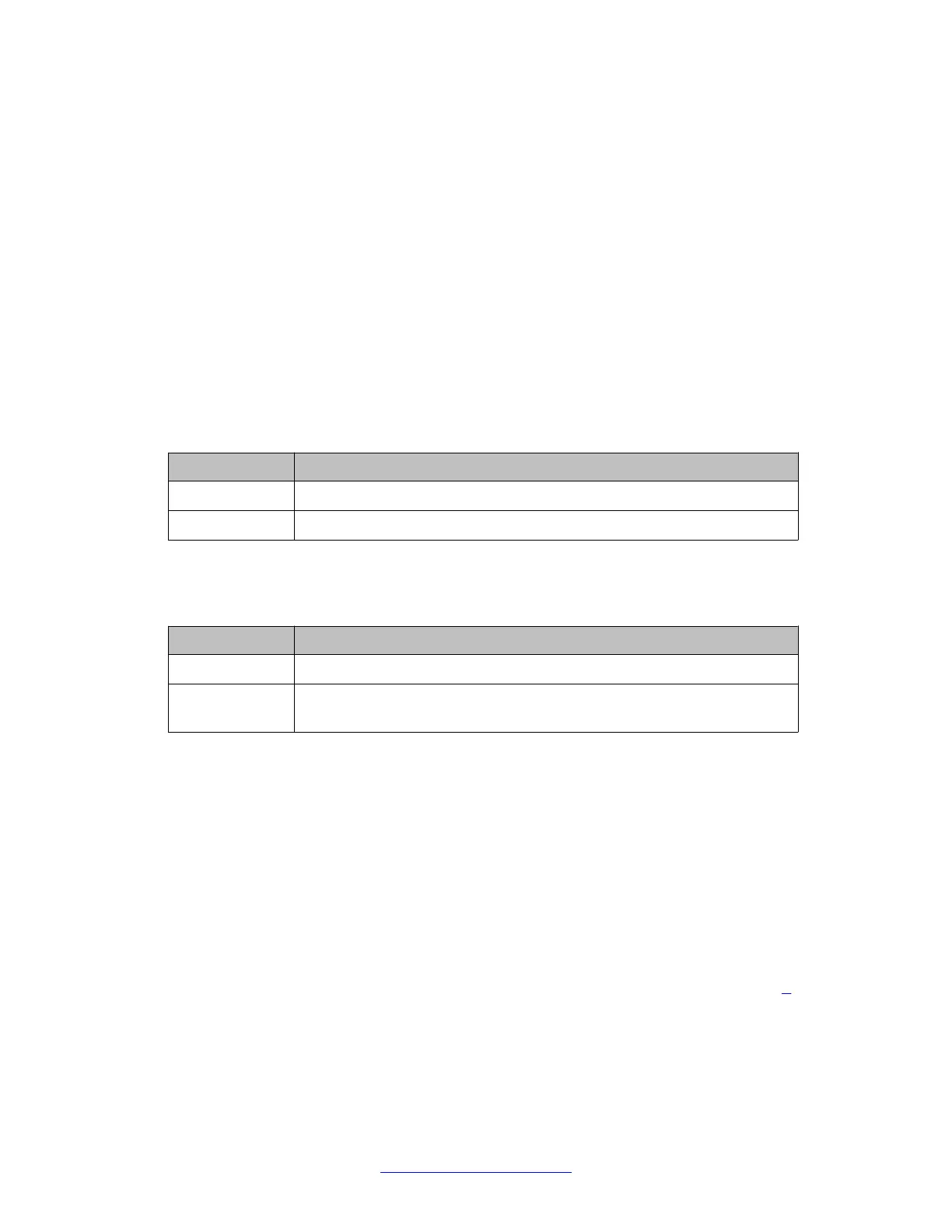
Valid Entry Usage
y Requires that an SPID be administered.
n Requires that an SPID and Endpt ID not be administered.
Layer 1 Stable
The system displays the field only if you set the Termination Type field to TE.
Valid Entry Usage
y The far-end network is stable at Layer 1.
n The far-end network can drop Layer 1 after a call is completed and near-
end ignores the Layer 1 disconnect message.
Collecting Feature Access Codes data
Procedure
1. At the SAT, enter display system-parameters customer-options to
display the Customer Options screen.
2. Scroll to page 5 and determine how the Multinational Locations or Multiple
Locations fields are set:
• If either of these fields is set to y (enabled), then proceed to Step 3 on
page 0 .
Standard Local Survivability (SLS)
156 Administering Avaya G430 Branch Gateway October 2013
Comments? infodev@avaya.com



 To Next Page