IFD500 Series Pilot Guide
5-20 Aux Subsystem
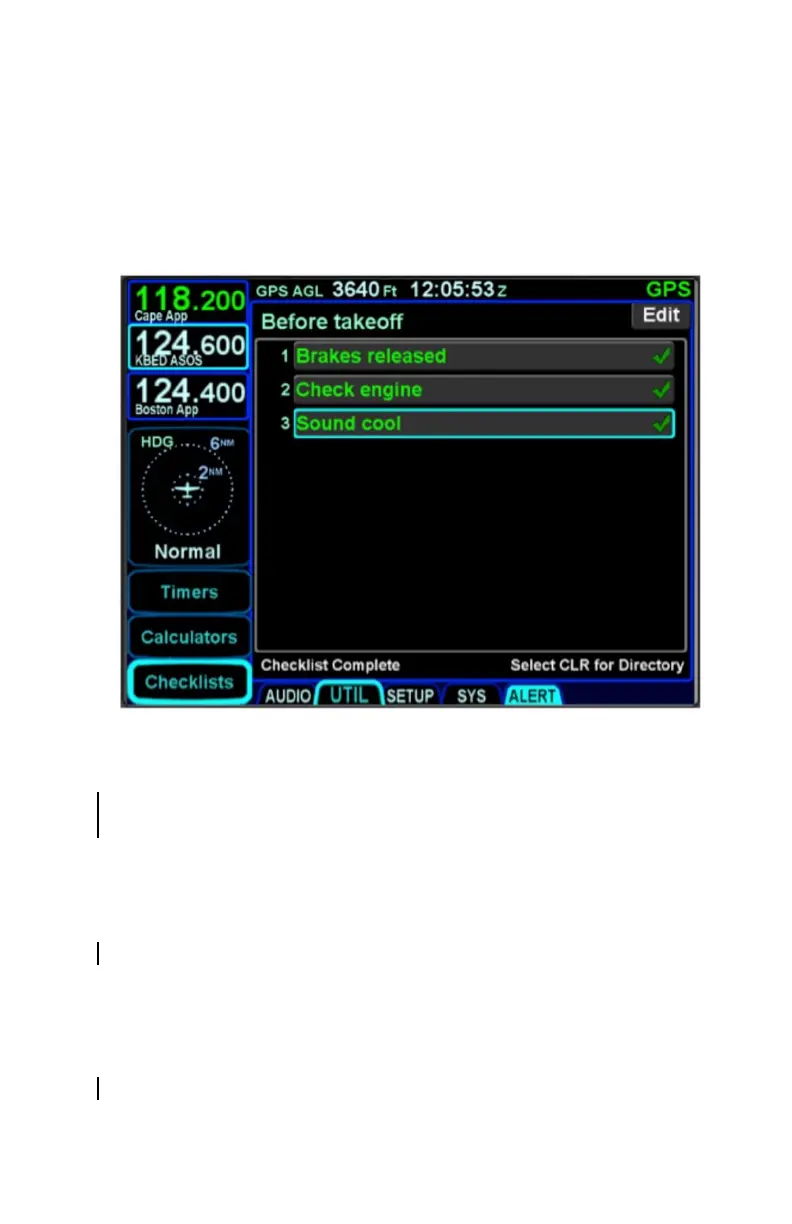
Until all steps have been designated as accomplished, the bottom
left edge of the checklist box will display “Checklist Not
Completed”. As soon as all steps have been designated as
accomplished, that text strip along the bottom edge will change to
“Checklist Complete”.
Completed Checklist
If a step inadvertently has been checked off as accomplished, it
can be unchecked by selecting the step (touch it or use the
bottom right knob) and then touching it a second time or pushing
the knob to remove the checkmark. This will also toggle the
“Checklist Complete” text back to “Checklist Not Completed”.
Resetting Checklists
To quickly reset a completed or partially completed checklist,
press and hold the bottom right knob while that checklist is open.
All green completed checkmarks will be removed for that open
checklist.
To quickly reset all completed or partially completed checklists,
ensure the checklist directory (list of all checklists) is displayed
and then press and hold the bottom right knob to reset the



 To Next Page