IFD500 Series Pilot Guide
5-32 Aux Subsystem
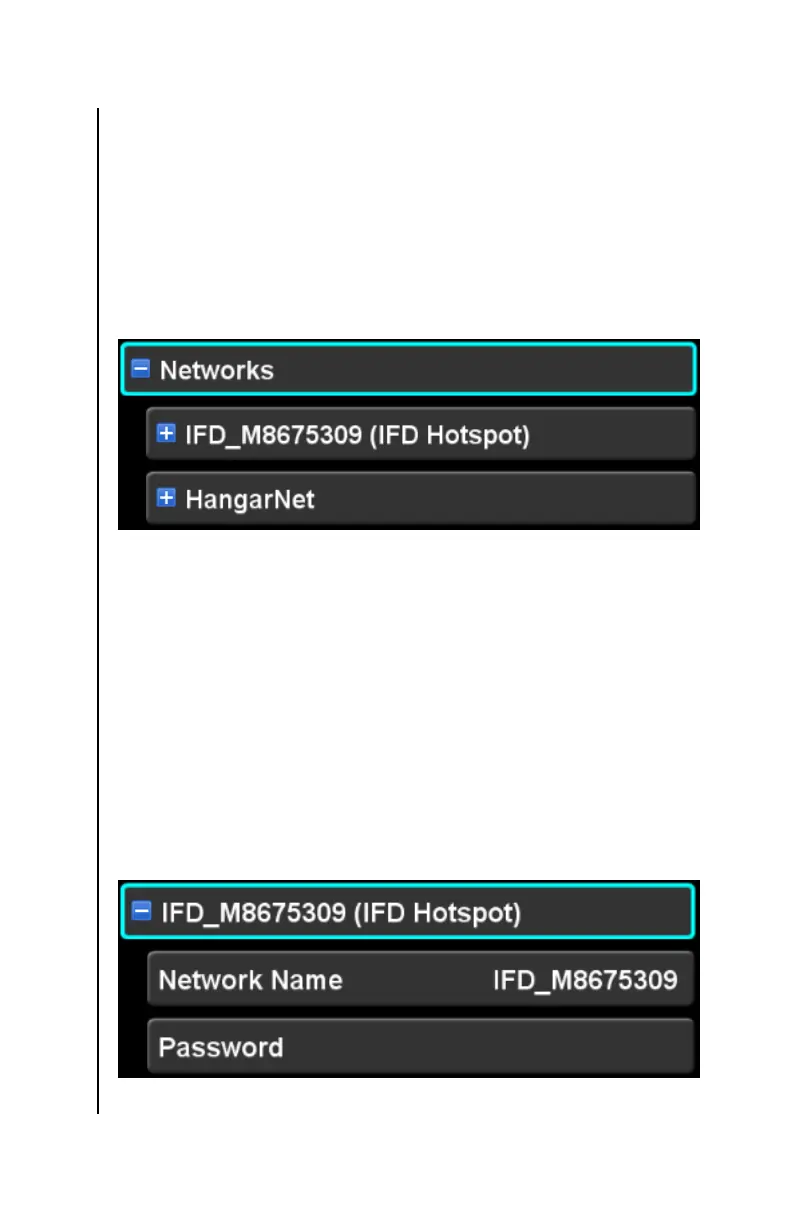
When the networks subcategory item is expanded, the items in
the category each represent a network. Each of those network
items can be expanded in order to configure the network.
If the WiFi setup item is set to “Off”, then no external networks will
be shown. However, the IFD Hotspot item will still be shown,
allowing the IFD LAN to be configured prior to enabling WiFi
connections.
Networks subcategory (expanded)
IFD Local Area Network (LAN) (a.k.a. IFD Hotspot)
The IFD LAN is always shown as the first WiFi network in the
category and is identified by “(IFD Hotspot)” next to the network
name. The network name will default to “IFD_” suffixed with the
serial number of the IFD. However, the network name and the
password can be changed.
To change the name of the IFD local area network, first expand
the item. Once expanded, items for the network name and
password will be revealed. The items are edited using normal
techniques for editing a textual field.
IFD LAN Item (expanded)



 To Next Page