IFD500 Series Pilot Guide
Aux Subsystem 5-33
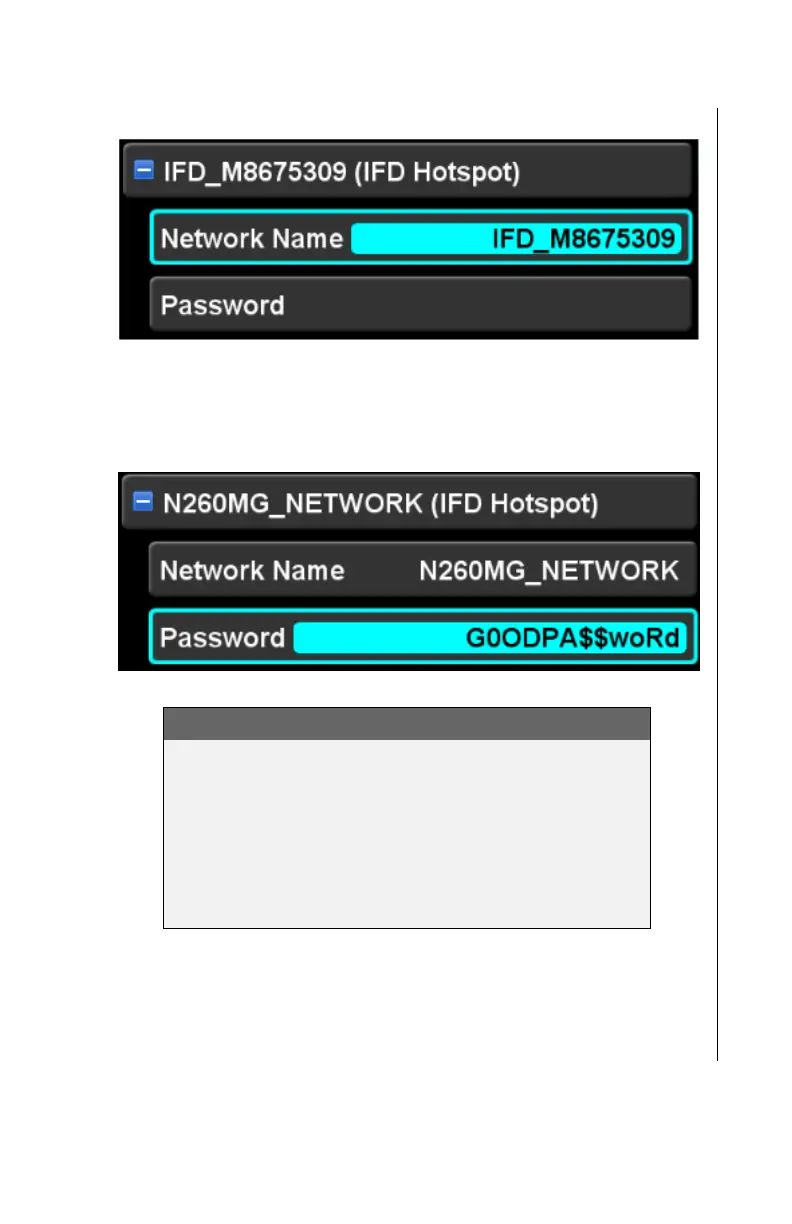
IFD LAN Network Name Item (selected)
Entry of a new network name will also be reflected on the IFD
LAN item (i.e. the header).
IFD LAN Password Item (selected)
IMPORTANT NOTE
The IFD enforces the industry recommended
minimum password length of 8 characters. As the
field is being edited, if less than 8 characters have
been entered, the IFD will ignore actions to complete
the edit (e.g. pressing the ENTR button will have
no effect). The edit can be aborted by pressing
CLR.
To start the IFD Local Area Network, move the cursor to the
network header, the network name, or the password and then
press the “Connect” LSK.



 To Next Page