IFD500 Series Pilot Guide
5-34 Aux Subsystem
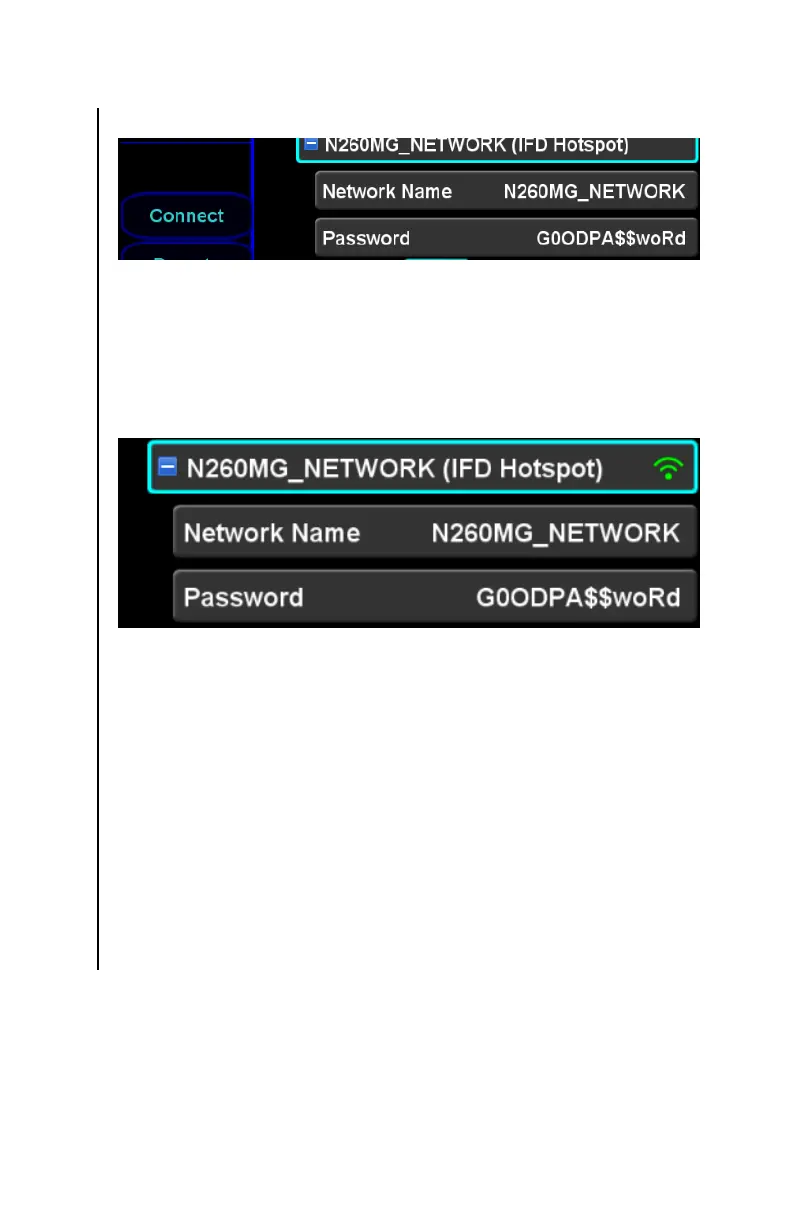
Connect LSK for IFD LAN
As the IFD is initializing the network, an animated gray WiFi icon
will appear on the right side of the network header. When the
network is ready for use, the WiFi icon will become solid green
and clients will be able to connect to the IFD.
IFD LAN Ready for Use
External Networks
When WiFi is “on”, the IFD will continuously search for accessible
external WiFi networks. Each recognized network will be
represented by a WiFi network item on the page. The IFD can
show up to twenty networks.
If a previously recognized external network has not been detected
for five minutes, the IFD will remove that network from the list.
Like the IFD LAN item, the items for each external network can
be expanded. However, expanding the item will reveal only a
password item associated with the network.



 To Next Page