IFD500 Series Pilot Guide
Aux Subsystem 5-35
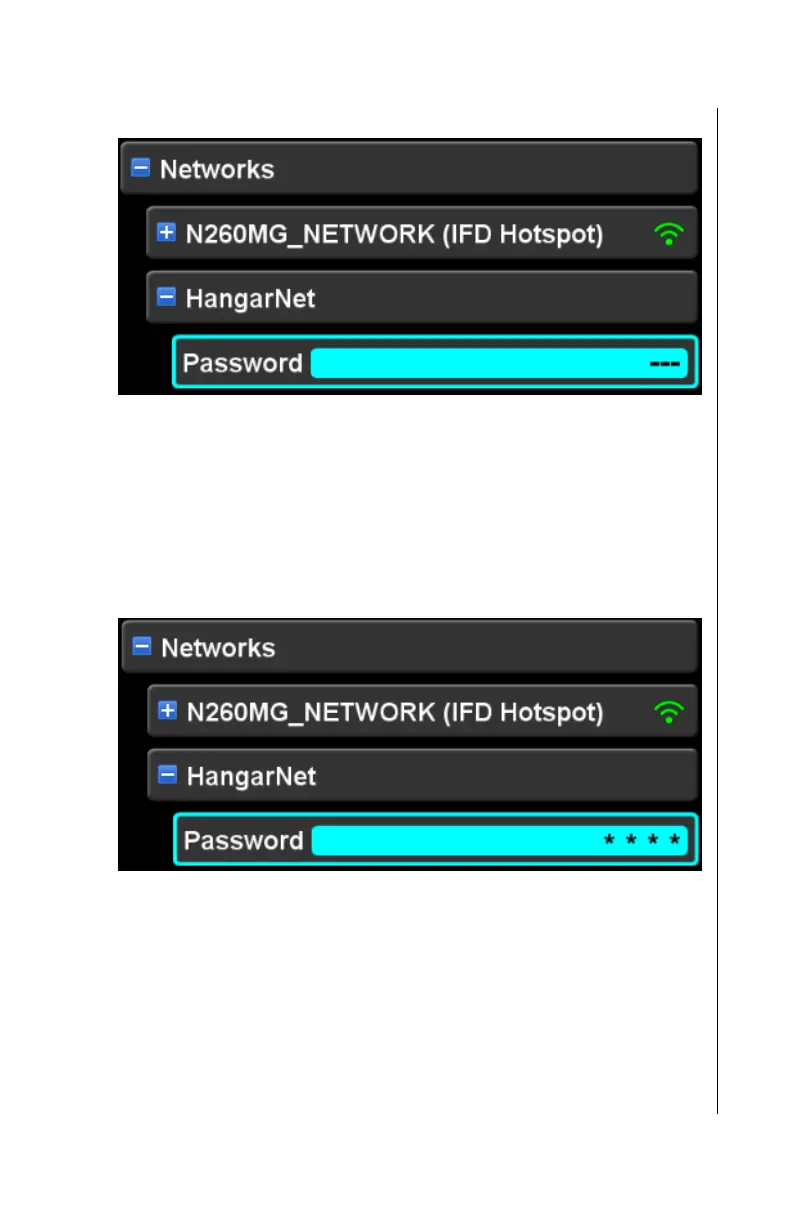
External Network (expanded, no password entered)
Editing the password for an external network is accomplished
using the normal technique for a textual field. If no password has
been entered, then the field will show three dashes. While the
password is being edited, the characters will be shown.
However, as a security measure, once the password has been
accepted, the field will be shown as four asterisks.
External network (expanded, password entered)
In order to connect to an external network, move the cursor to
either the main item or the password item. Then, press the
“Connect” LSK. As the IFD is negotiating the connection with the
external network, the message “Connecting…” will be shown on
the right side of the network item. The IFD will attempt the
connection for up to 60 seconds. If the connection is successfully
established, the message “Connected” will be shown in green on
the right side of the network item. If the connection is
unsuccessful, the message “Failed to connect” will be shown in



 To Next Page