IFD500 Series Pilot Guide
5-36 Aux Subsystem
yellow on the right side of the network item, and that message will
continue to be displayed until another network connection attempt
is made.
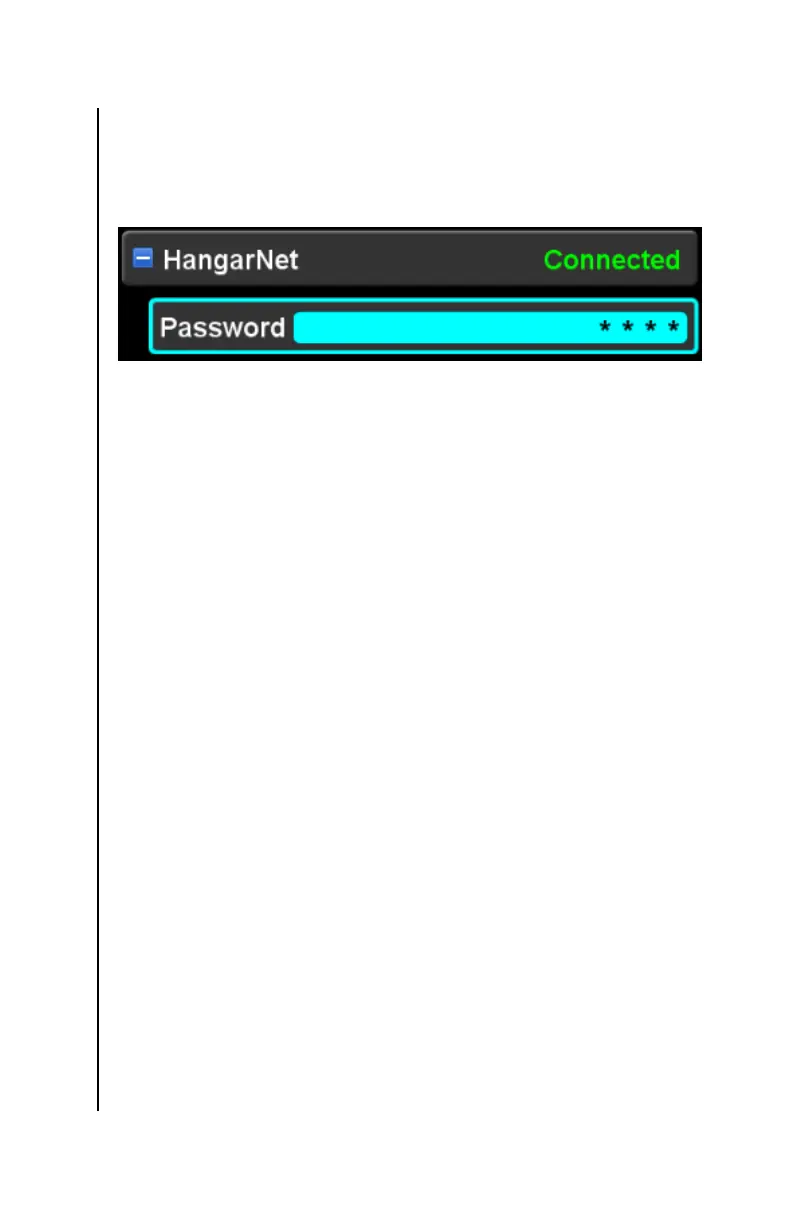
External network (connected)
Devices subcategory
The IFD provides the capability to transfer data to and from WiFi
enabled devices. Once a device is connected, it is capable of
receiving the data being streamed from the IFD. However, for
security purposes, a device must be specifically approved by the
pilot in order to enable the IFD to accept data transmitted by the
device.
The devices subcategory provides a means to manage the WiFi
enabled devices that are recognized by the IFD via the selected
network. Note that this subcategory will not be displayed when
the WiFi setting is “Off”.
Each device that recognized by the IFD will be represented by a
device item shown under the devices subcategory. Each device
item shows the name or IP address of the device and the
“connection policy” for that device. The connection policy is the
means to control whether the IFD will accept data transmitted by
the device. Connection policies are as follows:
Blocked – a device has made a request to connect to the
IFD, but the pilot has not yet taken action to set the
connection policy for the device
Never – connection attempts by this device will
automatically be rejected
Once – this connection attempt will be accepted, but
future connection attempts will require operator action to
set the connection policy



 To Next Page