IFD500 Series Pilot Guide
Aux Subsystem 5-41
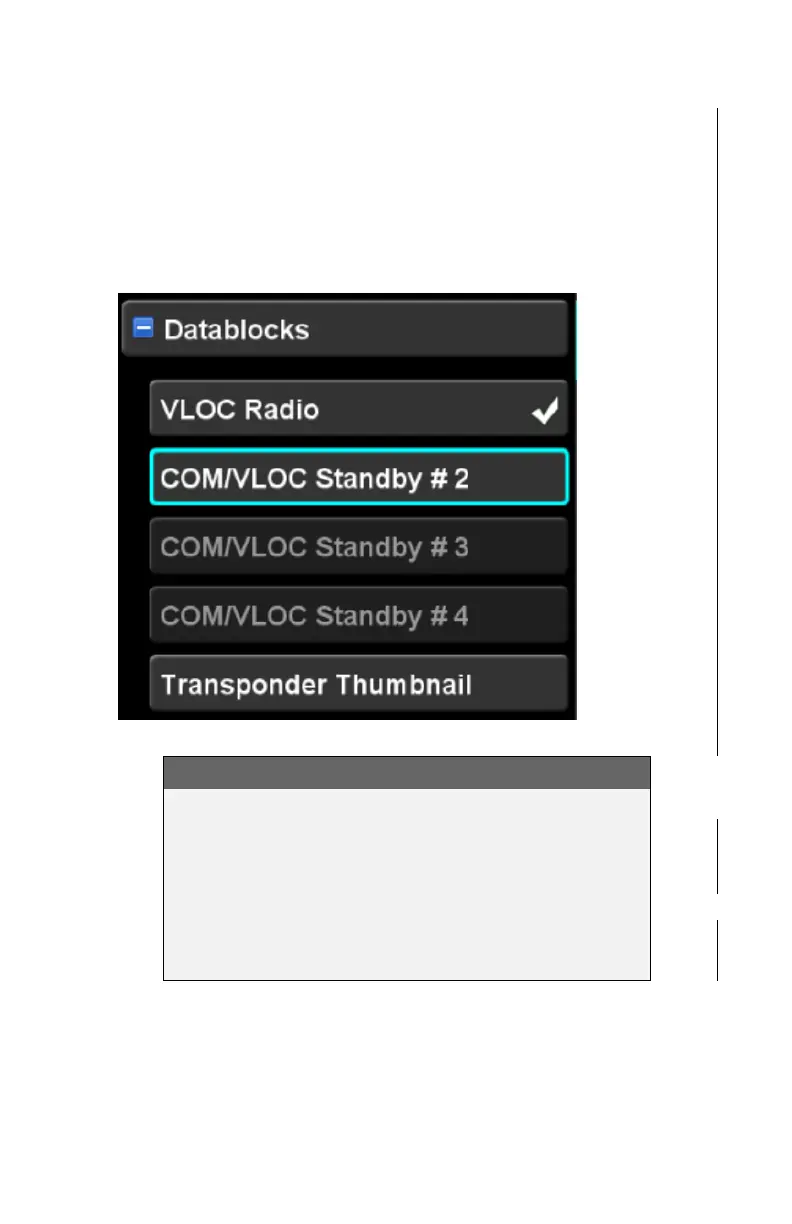
associated check mark, the slot to which it has been allocated
may not be visible without scrolling the right side of the screen.
When a given datablock is not allowed to be placed into the
selected slot, that row will be presented in a dim color and the
datablock will not be selectable either with the knob or by touch.
Non selectable datablocks (dimmed rows)
COOL FEATURE
Scroll Your Datablocks
Many more datablocks can be selected on the right
side than can be viewed at any one time. This can
be useful to optimize the displayed datablock
groupings by phase of flight and repeating options.
Then scroll the list as necessary to reveal the
appropriate set of datablocks.



 To Next Page