IFD500 Series Pilot Guide
5-42 Aux Subsystem
Potential datablock selections are listed below. When selected
for a slot at the top of the screen, the format of some datablocks
will change to fit in the limited space available.
Datablock Item Title
and Image
Primary Com/VLOC
(Note: This selection is
permanently grayed out
and is not actually
selectable)†
Defines the position of the top two
datablocks along the left side. These
are permanently dedicated to
Com/VLOC control and display.
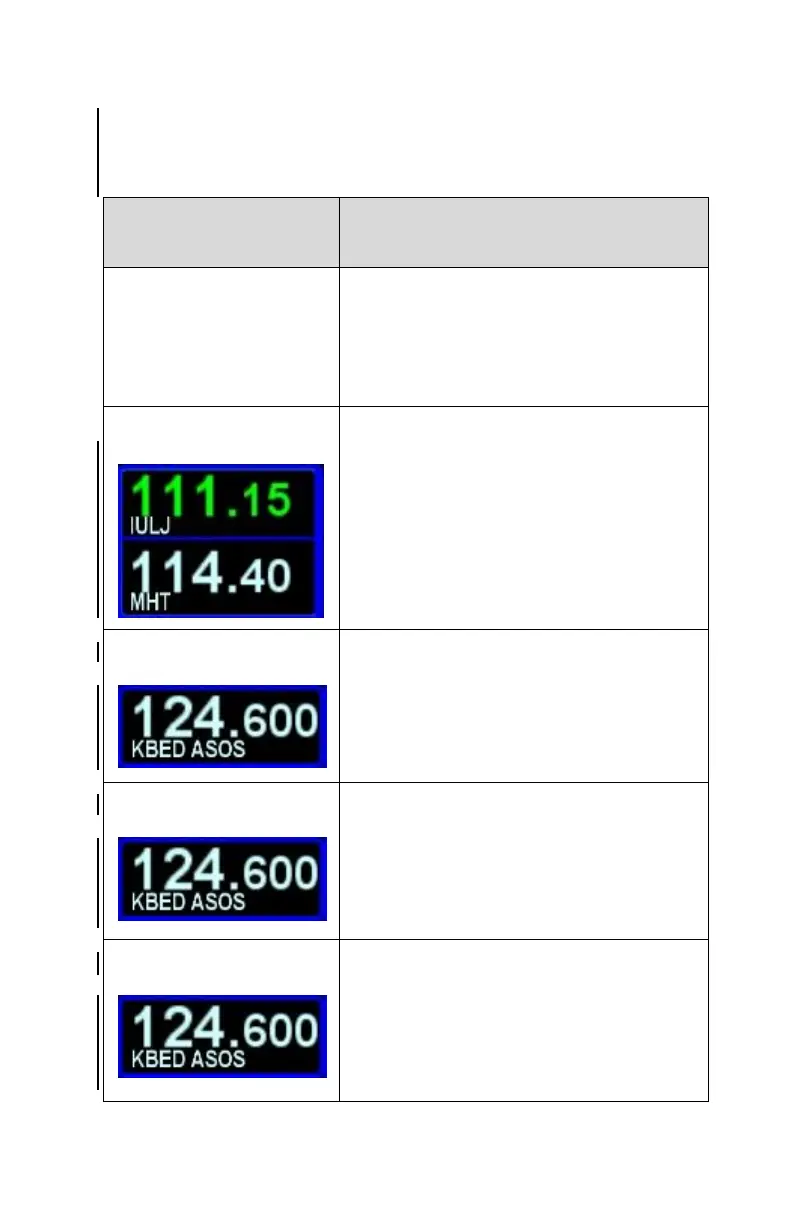
Provides a means to display the Active
and Standby Nav frequencies in slots
3 and 4.
If Remote IFD Tuning is on, the
identifier will be preceded by “NAV1”
or “NAV2” signifying which radio is
being controlled
Provides a means to display a third
com or nav frequency (second standby
slot)
Available only on the left side
Provides a means to display a fourth
com or nav frequency (third standby
slot)
Available only on the left side
Provides a means to display a fifth
com or nav frequency (fourth standby
slot)
Available only on the left side



 To Next Page