IFD500 Series Pilot Guide
5-80 Aux Subsystem
To apply the preset, press the right knob, the ENTR button, or the
“Enter” LSK, or touch the green dialog. To abort the preset, press
the CLR button or the “Cancel” LSK. Once a preset has been
applied, the list of presets will be dismissed and the normal Setup
Page contents will again be displayed.
To return to normal Setup Page operation without applying a
preset, press the “Exit” LSK.
IMPORTANT NOTE
When a preset is applied, it only affects settings for
the currently selected user profile. The user profile
name is not affected by applying the preset.
All Factory Settings
Applying the “All Factory Settings” preset item will cause all of the
settings on the Setup Page to be set to factory defaults, except
the “User Profile” and any network names and passwords.
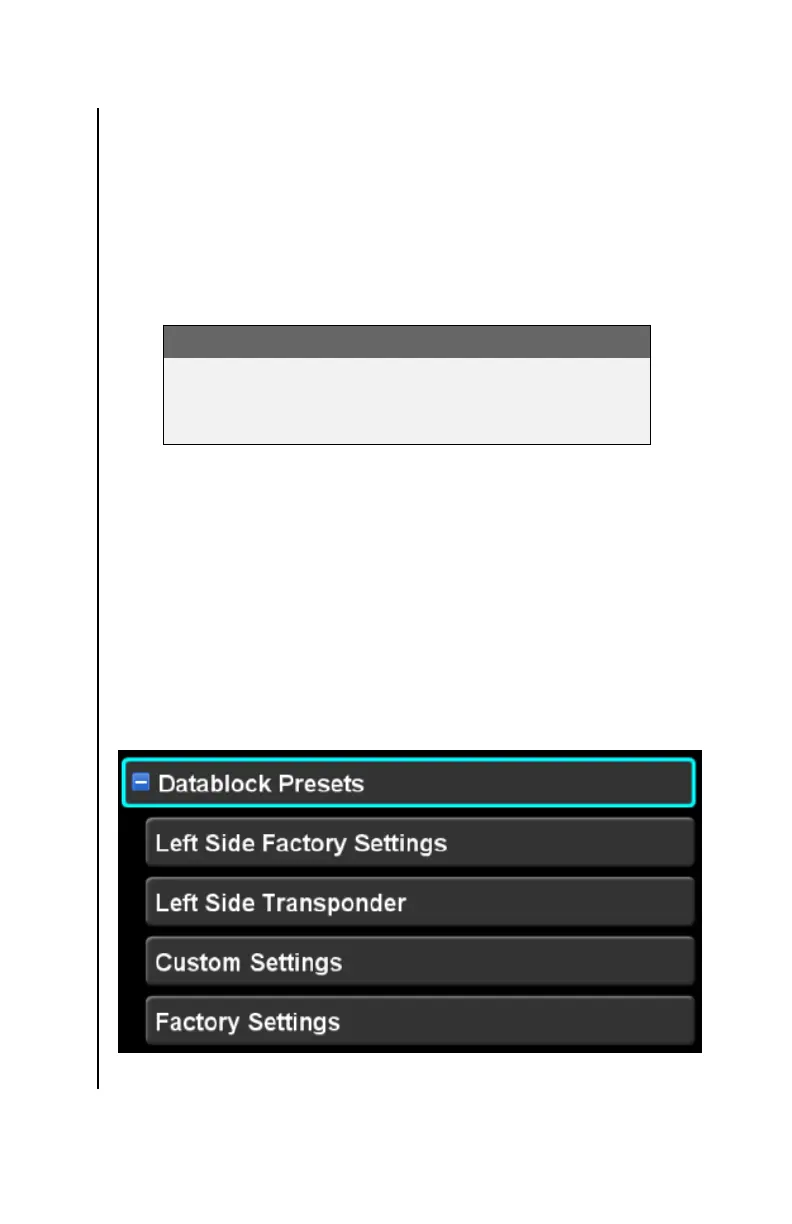
Datablock Presets
Expanding the “Datablock Presets” item reveals several presets
that affect only the configuration of datablocks.
Datablock presets (expanded)



 To Next Page