IFD500 Series Pilot Guide
1-30 System Overview
A more automated way to tune the communications radio is to
use the frequency list, which is presented when the FREQ key is
pressed. See the section on page 1-34 regarding operation of
the frequency list.
The Standby can also be tuned from other pages on the IFD such
as the INFO or NRST Tab on the FMS page.
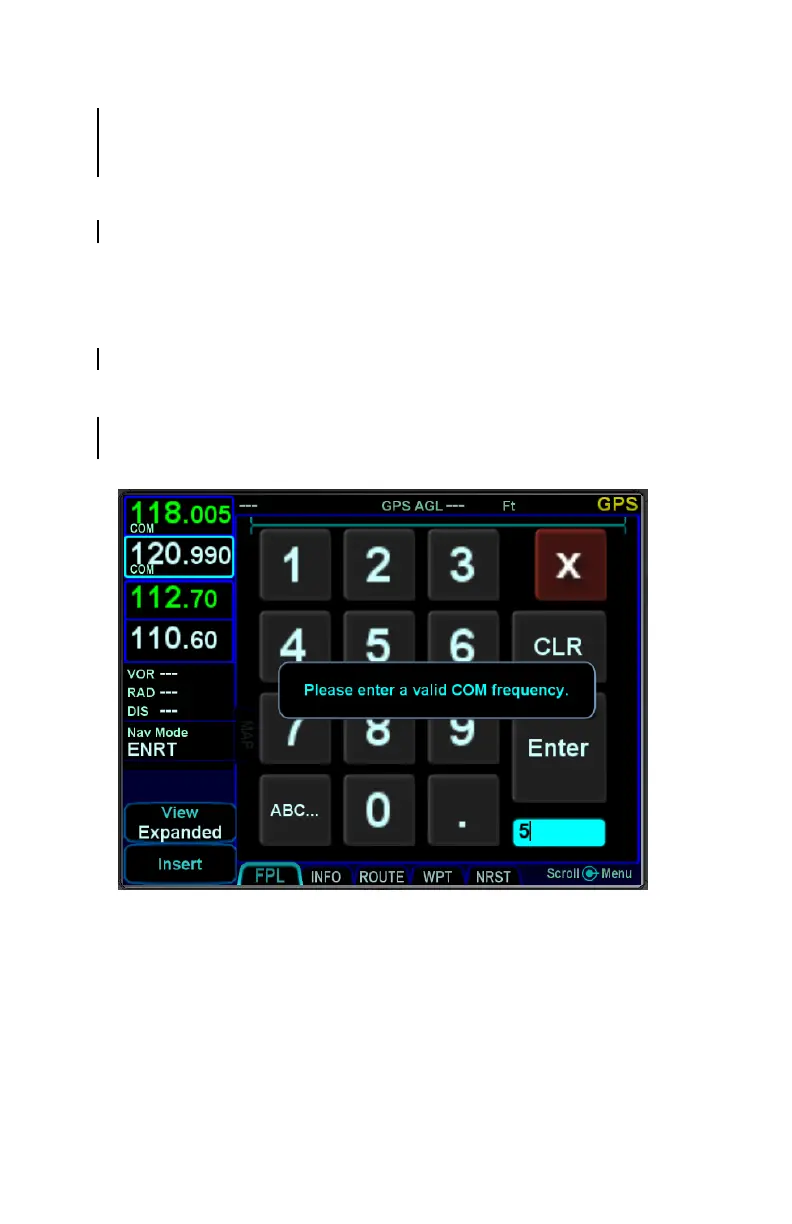
Invalid Frequency Entry Attempt
Attempting to type an invalid frequency (e.g. typing a nav
frequency in a communications slot) will produce a temporary
error message indicating the mistake. This message is
unavailable in dual IFD installations that have Keyboard
Convenience mode turned on.
Notification of Invalid Frequency Entry Attempt



 To Next Page