6-83
6.1.42 Checking Conductivity After Replacement of Metal Parts
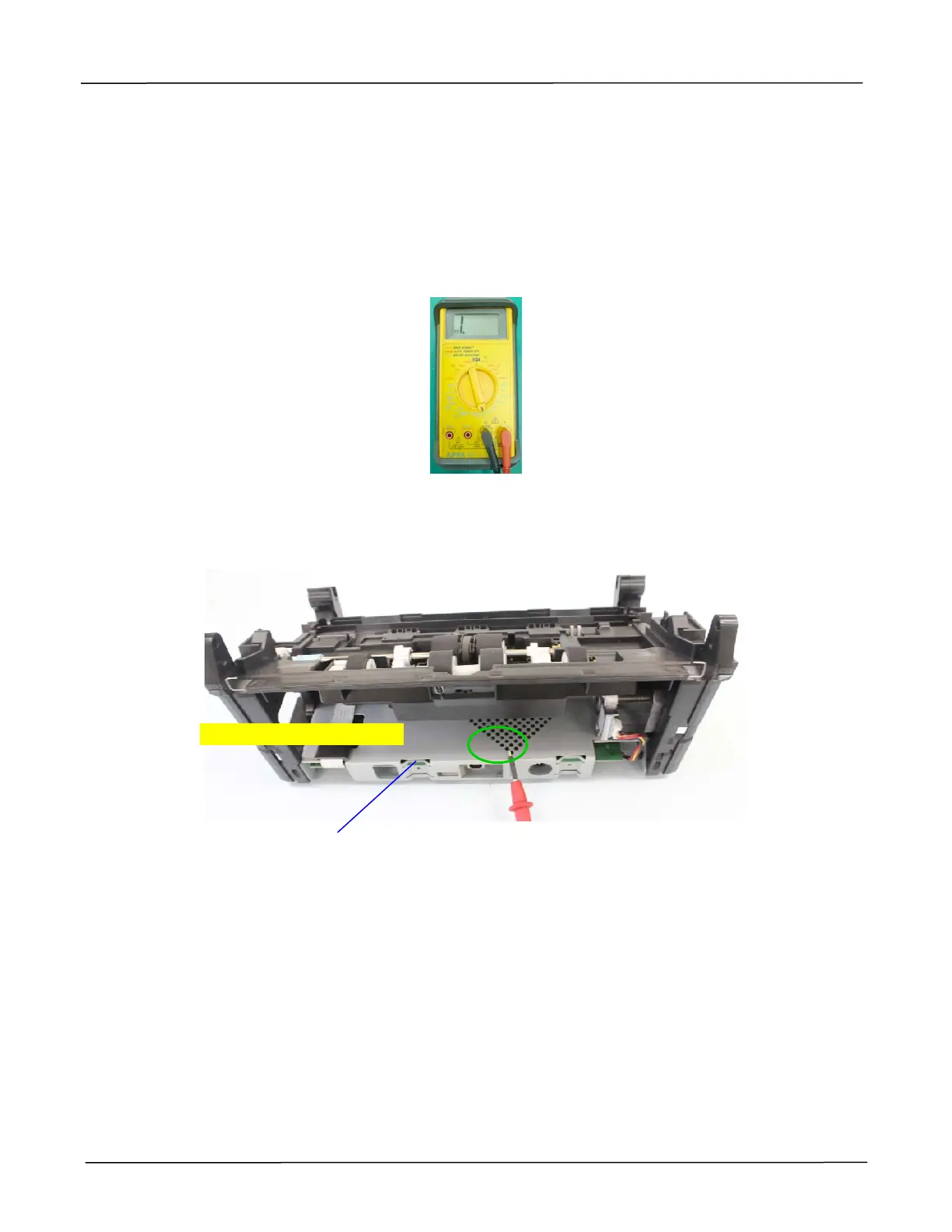
Check conductivity with a multi-meter for metal parts such as ADF Roller, Feeding Roller and ADF
Pad after replacement:
1. Turn on a multi-meter and connect probes (if necessary). The negative probe is black and the
positive will be red. Set the multi-meter to conductivity (tone).
2. Use the probes to check conductivity by placing the positive (red) probe to the bottom cover,
and the negative (black) one to the ADF rollers or the metal part on the roller cover as shown.
Bottom
Cover
Place the red probe here



 To Next Page