6-33
6.1.18 Removing the Conductive Brush
1. Remove the Upper base and Bottom Base as described in the preceding section 6.1.10.
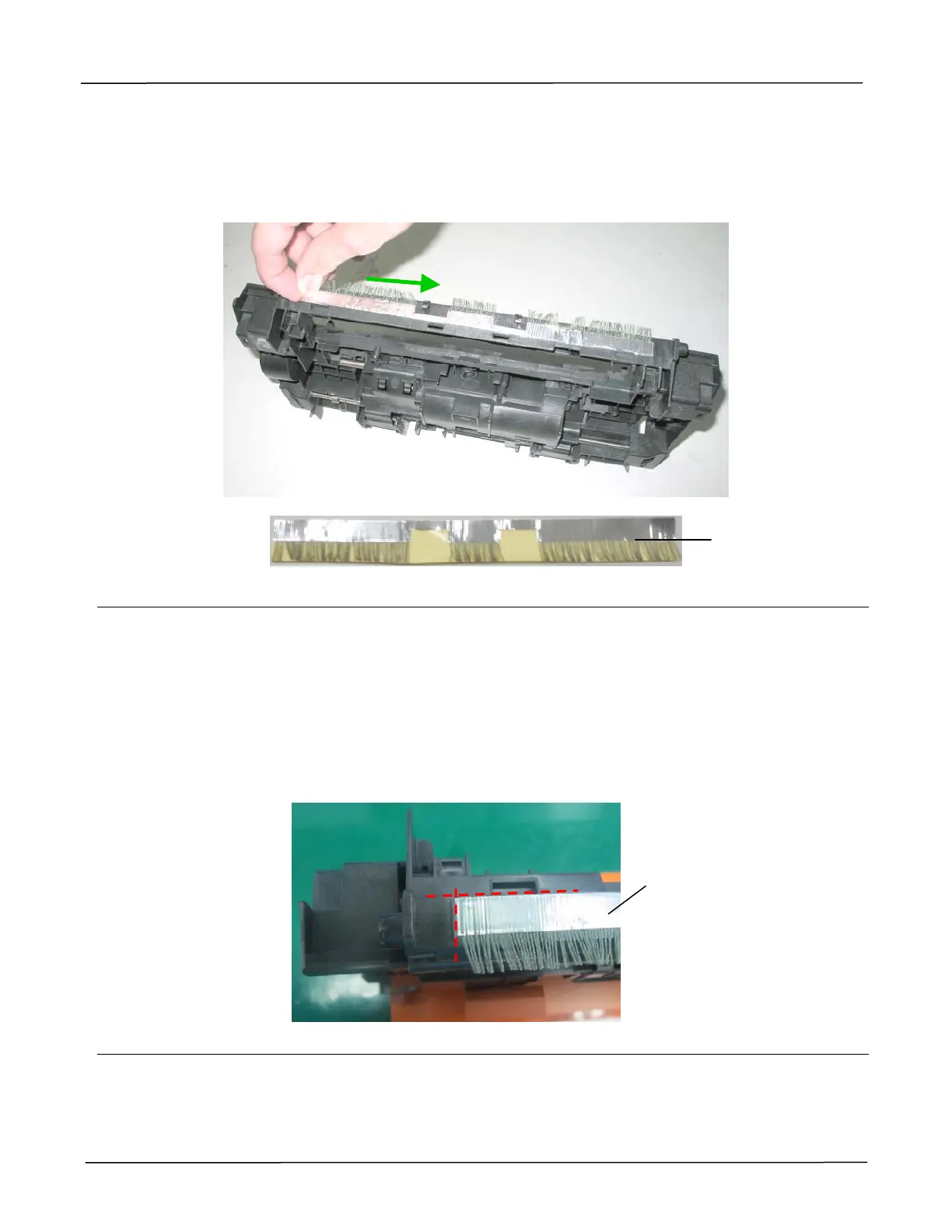
2. Tear off the conductive brush along the upper base.
Reassembling:
1. Once the conductive brush has been removed, it can not be reused. Please prepare a
replacement to stick it on the upper base.
2. When the conductive brush is removed, there is some glue remaining on the upper base.
Strip the remaining glue with a soft cloth wet with some isopropyl alcohol (95%).
3. After the isopropyl alcohol has been vaporized, align a new conductive brush with the red
dash line, and stick it along the slot from the left to the right as indicated below:
Conductive Brush
Conductive Brush



 To Next Page