6-17
6.1.9 Removing the Left/Right Covers
1. Remove the front cover as described in the preceding section 6.1.6.
2. Remove the top cover and bottom cover as described in the preceding section 6.1.8.
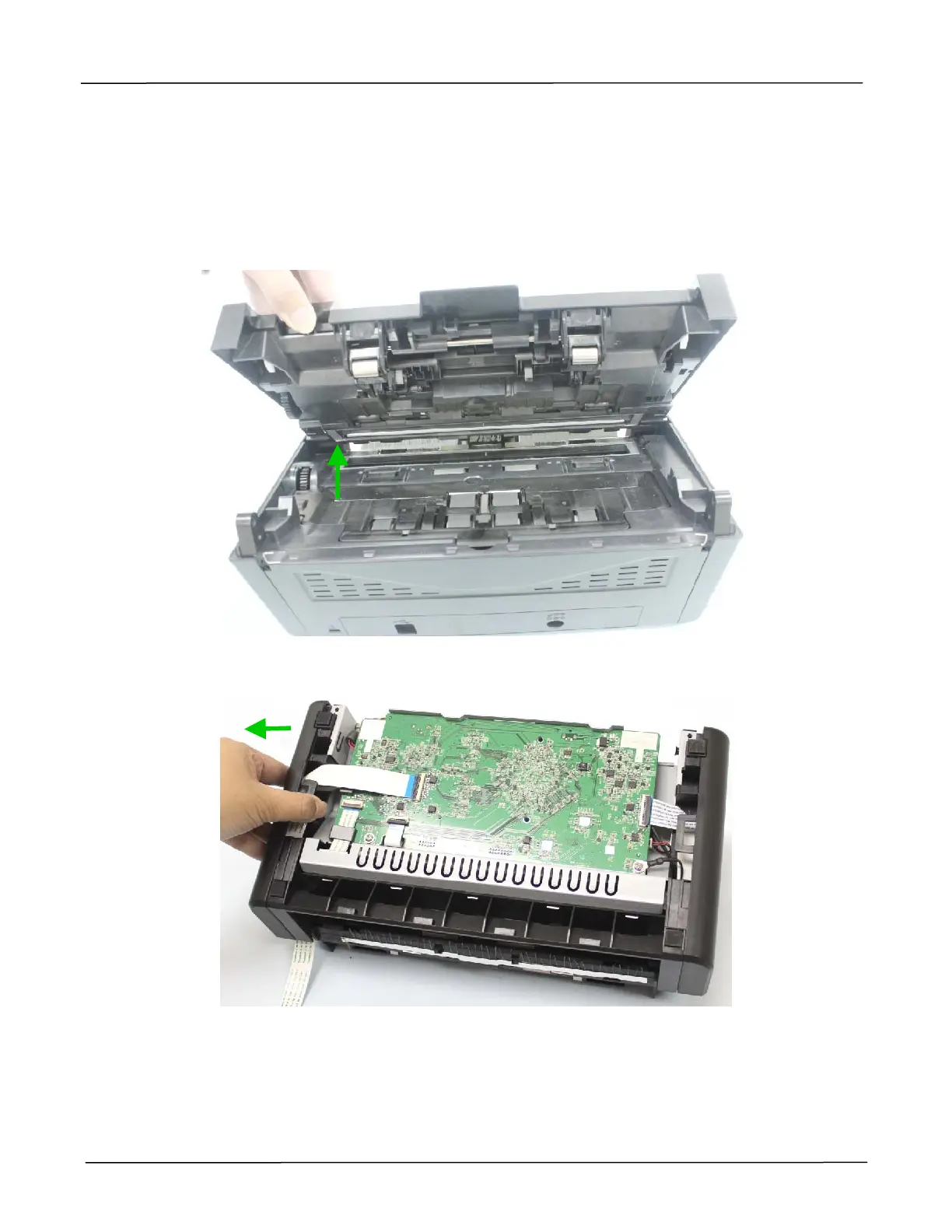
3. Lift the upper base from the bottom base, as shown below:
4. Push the left cover to the left, and remove it.



 To Next Page