6-75
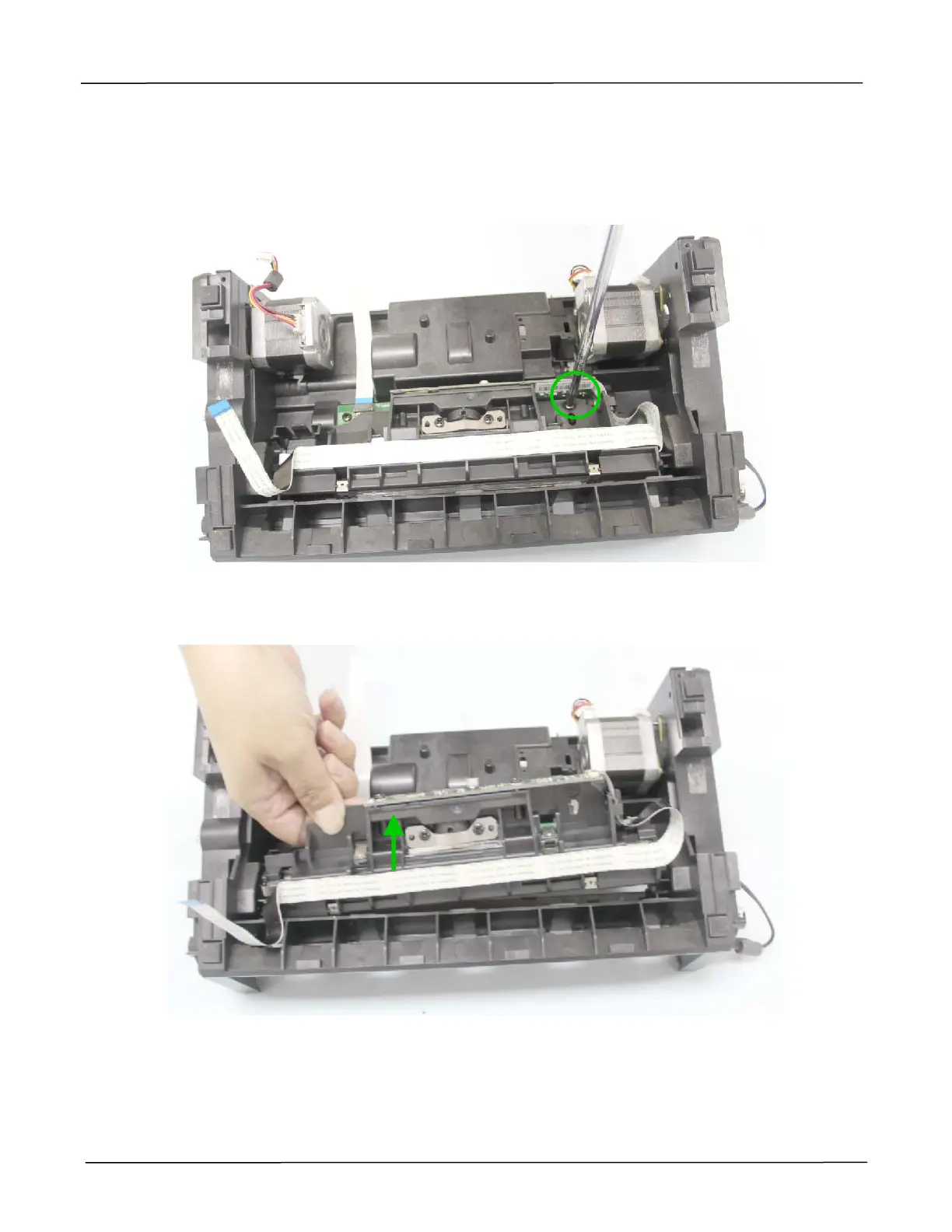
6.1.37 Removing the CCD Assembly from the Bottom Base
1. Remove the Bottom Cover as described in the preceding section 6.1.8.
2. Remove the fixing screw on the CCD assembly, as indicated below:
(Torque:8±0.5Kgf.cm / Screw Type: +B-H, TAP-2, 3x10 / PN: 077-1010-0)
3. Remove the CCD assembly from the bottom base, as indicated below:



 To Next Page