6-12
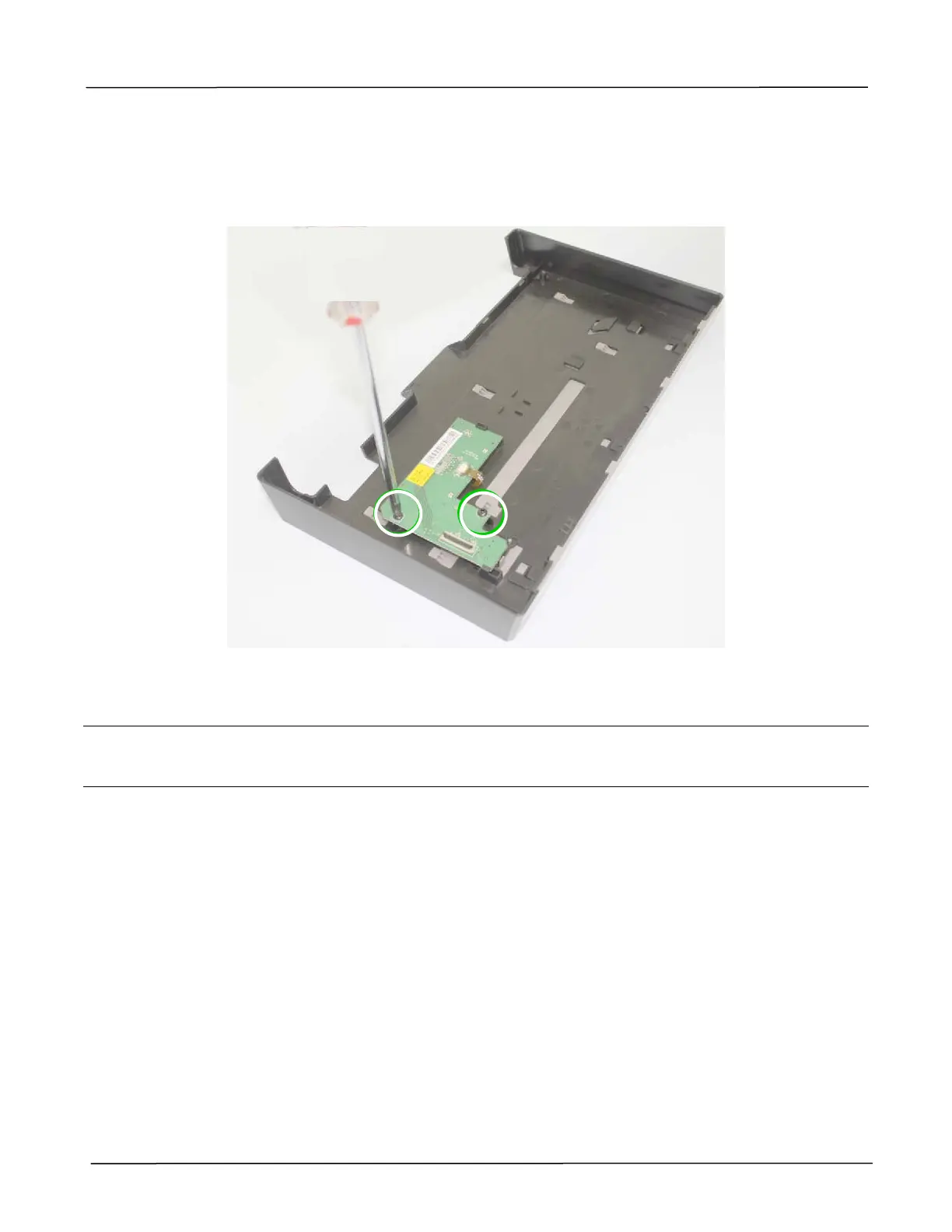
6.1.7 Removing the UI Board
1. Remove the Front Cover as described in the preceding section 6.1.6.
2. Loosen 2 fixing screws on the UI board to remove the UI board, as indicated below:
(Torque:6±0.5Kgf.cm / Screw Type: TS3x8 / PN: 077-8023-0)
Warning:
In case the buttons on the UI board may be lost, be sure to place the UI board with the buttons (5
pcs) facing up on a flat surface.



 To Next Page