4-3
4.1.3 Diagnostic flowcharts
Use the fl
owcharts that follow to determine the exact problem when either the online
or offline diagnostics indicate a group error. Refer to Chapter 4 for parts replacement.
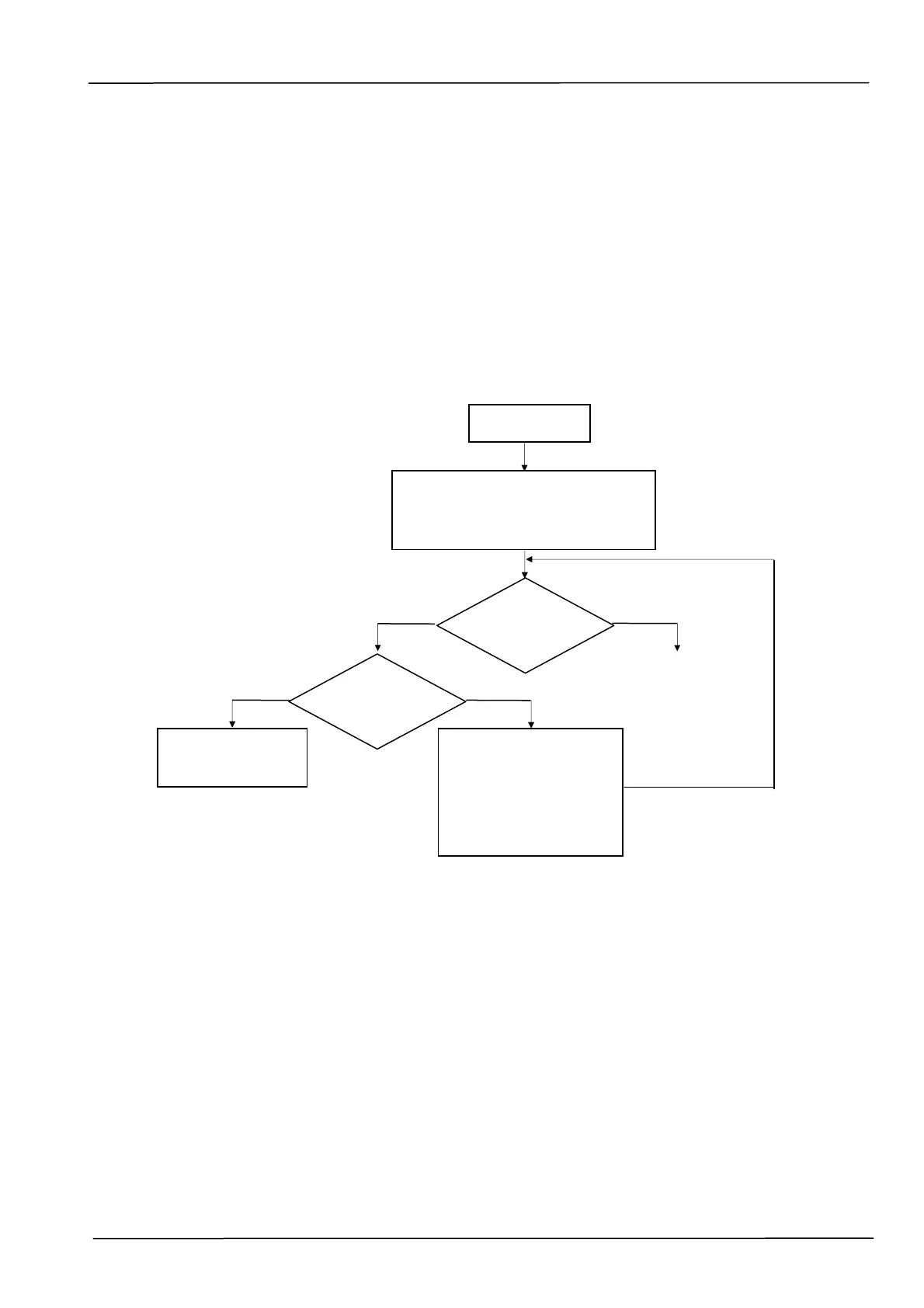
4.1.3.1 Group 2 error flowchart (paper in paper tray)
This flowchart applies when the LED is off and LCD shows Error code 2013 with the
scanner online, and there is paper in the ADF paper tray.
Group 2 Error
Open cover, then remove the papers
from input tray, and wait for 3
seconds than close the cover.
Scanner is ready ?
Check the paper detect
sensor, paper scan
sensor, and wheel paper
jam sensor if they work,
and replace them, if they
are broken.
Yes No
OK
Error code 2013 ?
No
Refer to the result
in Table 4.2
Yes



 To Next Page