24
Set-up and start-up
7.3.5
Conguring service settings
Q
Select Service... and press OK to con-
rm.
Q
Enter the service code and press OK
to conrm.
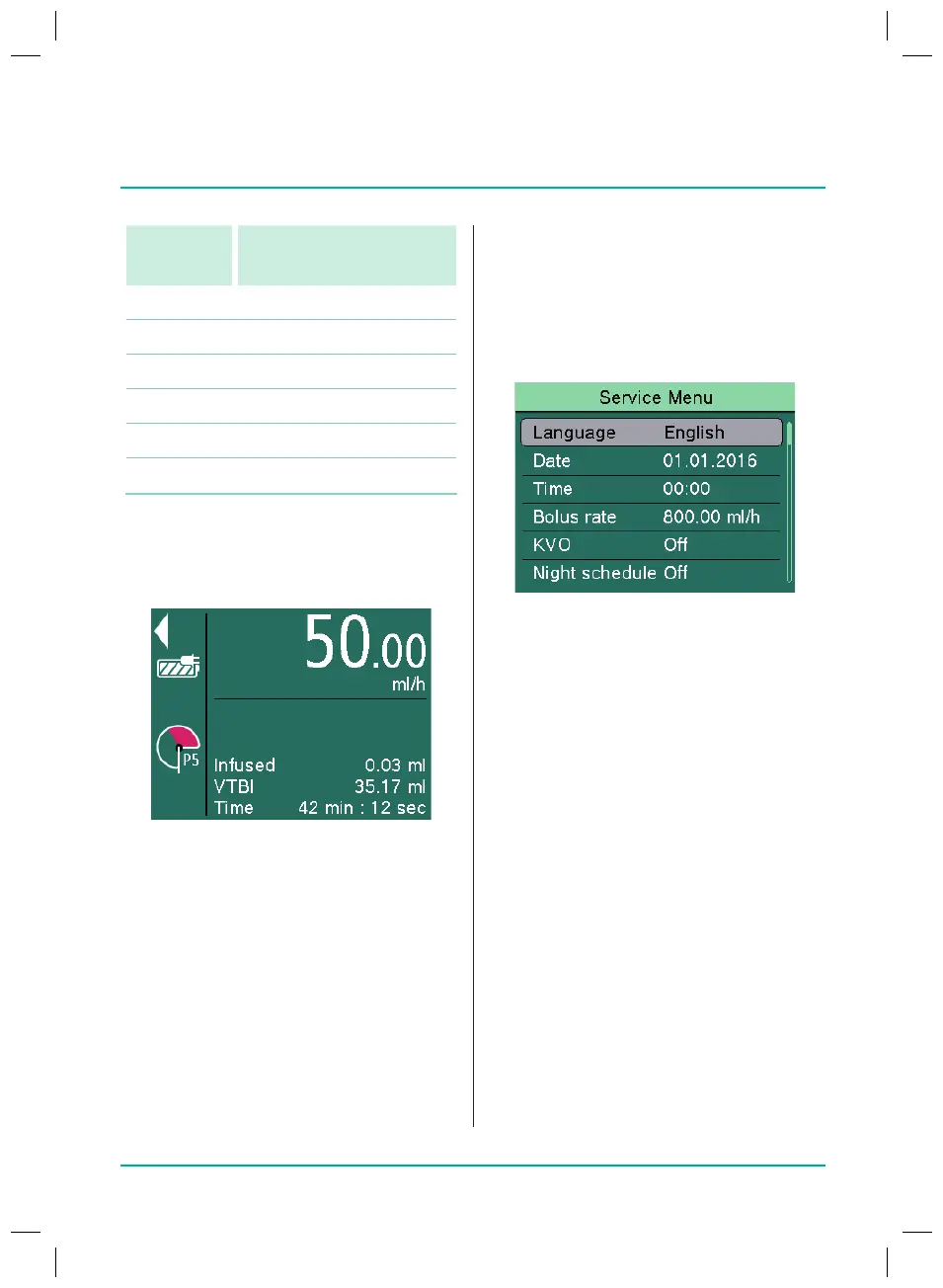
The “Service Menu” screen is displayed.
Conguring the display language
Q
Select Language and press OK to con-
rm.
Q
Select the language and press OK to
conrm.
Setting the date and time
Q
Select Date and press OK to conrm.
Q
Enter the day, month and year and
press OK to conrm.
Q
Select Time and press OK to conrm.
Q
Enter the time and press OK to
conrm.
Setting the bolus rate
Q
Select Bolus rate and press OK to
conrm.
Q
Set the bolus rate and press OK to
conrm.
Alarm
level
Pressure value
4 0.300 bar (225mmHg)
5 0.400 bar (300mmHg)
6 0.500 bar (375mmHg)
7 0.700 bar (525mmHg)
8 0.900 bar (675mmHg)
9 1.000 bar (750mmHg)
Note: Occlusion must be resolved before
the infusion is re-started. Otherwise it will
aect the measurement accuracy.
The set pressure level is shown with aP
(forpressure) and a number. In addition,
ared area shows how quickly the set
pressure alarm limit will be reached. The
“manometer” display shows the current
pressure in the system. The lower the set
pressure alarm limit level is, the larger the
red area is, the quicker this limit is reached
and a pressure alarm triggered.
38932401_Infusomat_compactPlusP_EN_IFU_1020_v5.indd 24 15.10.2020 17:47:27















 To Next Page