31
Operation
Q
Start the infusion with the Start/Stop
key.
- or -
Q
Conrm the delivery rate by pressing
OK.
The “Overview” screen is displayed.
Q
Select Vol./Time and press OK to
conrm.
Q
Enter the volume or time limit and
press OK to conrm.
Any values still missing are automati-
cally calculated and displayed.
Note: In addition to the volume and time
limit, the infusion rate can also be adjusted
in the Overview screen.
Q
Start the infusion with the Start/Stop
key.
8.9.1
Hard and soft limits
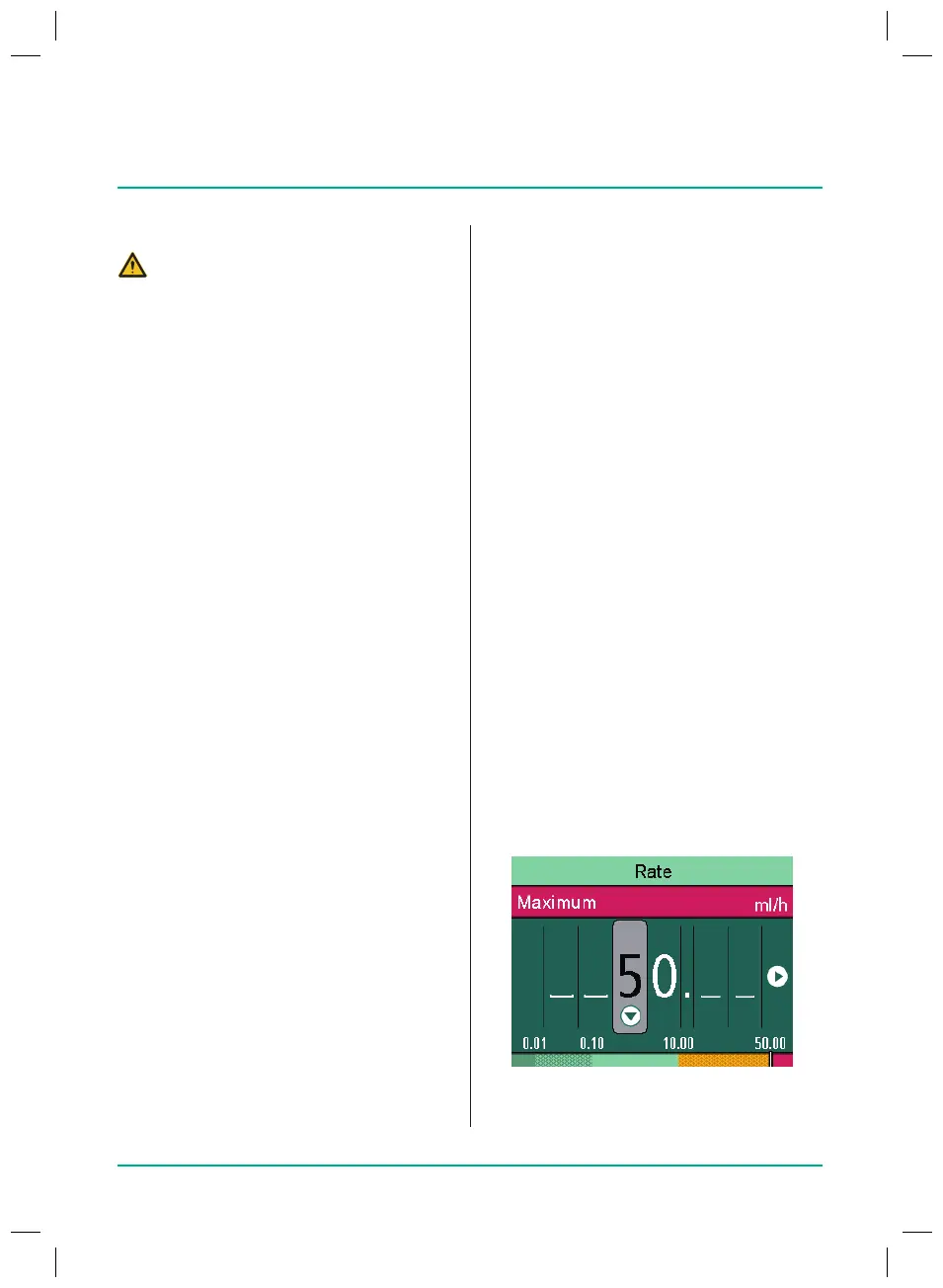
Hard limits
Hard limits are xed thresholds for the rate/
dose/bolus volume and bolus rate stored in
the database. Only values within the hard
limits can be entered.
Ifan attempt is made
to exceed or go below a hard limit, the fol-
lowing message appears on the display:
8.9
Using the drug database
DANGER! Danger to the patient from
incorrectly selected drug.
Q
Ensure that the correct drug has
been selected.
Up to 3,000 freely selectable drug names,
including corresponding therapy data and
information and up to 10concentrations
per drug in 30categories, can be stored.
The data are loaded using a separate PC
programme.
The drug database can be used to select a
drug name with saved therapy data.
The procedure for selecting a drug is
described below:
Q
Pump has just been switched on or
“Reset therapy” has been selected.
Q
Press the Menu key.
The main menu is displayed.
Q
Select Drug and press OK to conrm.
Q
If there is more than one prole avail-
able:
–
Select station and press OK to
conrm.
–
Select patient prole and press OK
to conrm.
Q
Select drug category and press OK to
conrm.
Q
Select drug and press OK to conrm.
Q
If available, read the information in
the “Drug info” screen and press OK to
conrm.
Q
If necessary, select concentration and
press OK to conrm.
Q
Read the information in the “Drug”
screen and press OK to conrm.
Q
Enter the delivery rate.
38932401_Infusomat_compactPlusP_EN_IFU_1020_v5.indd 31 15.10.2020 17:47:29















 To Next Page