26
Operation
Q
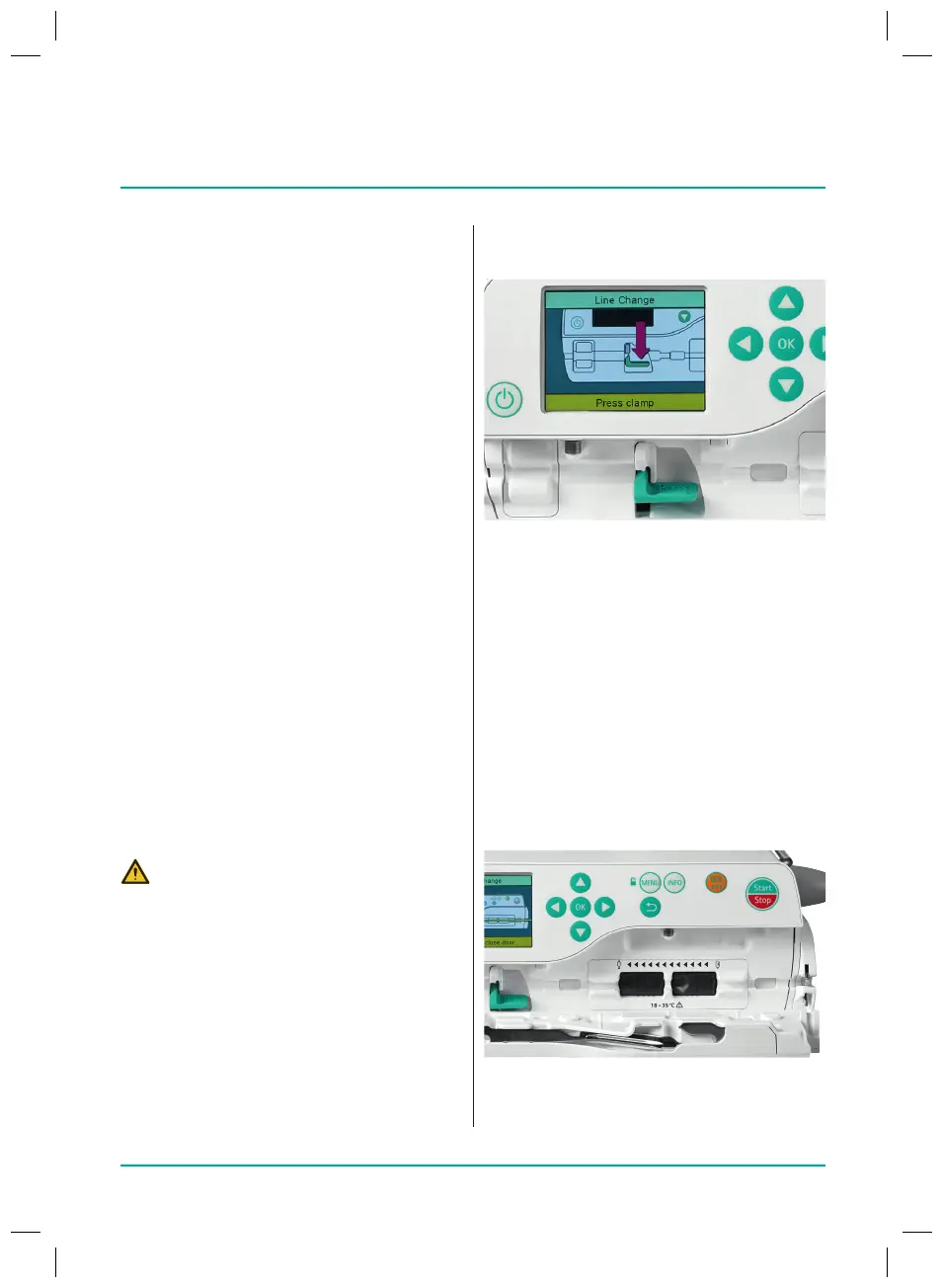
Inserting the infusion line:
–
Push the active safety clamp down.
–
When inserting the infusion line,
pay attention to orientation with
regard to the direction of ow
(seediagram), as otherwise there is
a risk of backow.
–
Insert the line fully into the guide
and press it in.
–
Insert the infusion line into the air
sensor on the left and make sure
that the line ts tightly.
–
Push the infusion line on the right
into the passive safety clamp.
8 Operation
Q
Device settings congured
8.1
Switching on the device
Q
Device connected to the mains elec-
tricity or battery fully charged.
Q
Press the On/O key on the device.
The device will perform a self-test:
Note: Pay attention to audible and visible
alarms, the lighting up of the two status
LEDs and the display during the self-test.
First the green and the yellow LEDs lightup,
and then the yellow LED changes colour
tored.
Note: The yellow LED only lights up if the
function has been enabled in the Service Tool.
Note: Alternatively, the device can be
switched on by opening the door.
8.2
Inserting the infusion line
Q
Device switched on.
Q
Infusion line primed
Q
Open the pump door by pulling on the
lever. To do this, grip the door lever
from behind and pull it forward.
CAUTION! Free-ow
Q
Make sure that the roller clamp is
closed before inserting the line.
Q
Never leave the pump unattended
while the line is being inserted.
Q
Always insert the line completely
and then close the door.
38932401_Infusomat_compactPlusP_EN_IFU_1020_v5.indd 26 15.10.2020 17:47:27















 To Next Page