32
Operation
The main menu is displayed.
Q
Select Dose calculation and press OK
to conrm.
Q
Select active substance unit and
press OK to conrm.
Q
Enter active substance quantity and
press OK to conrm.
Q
Enter volume and press OK to con-
rm.
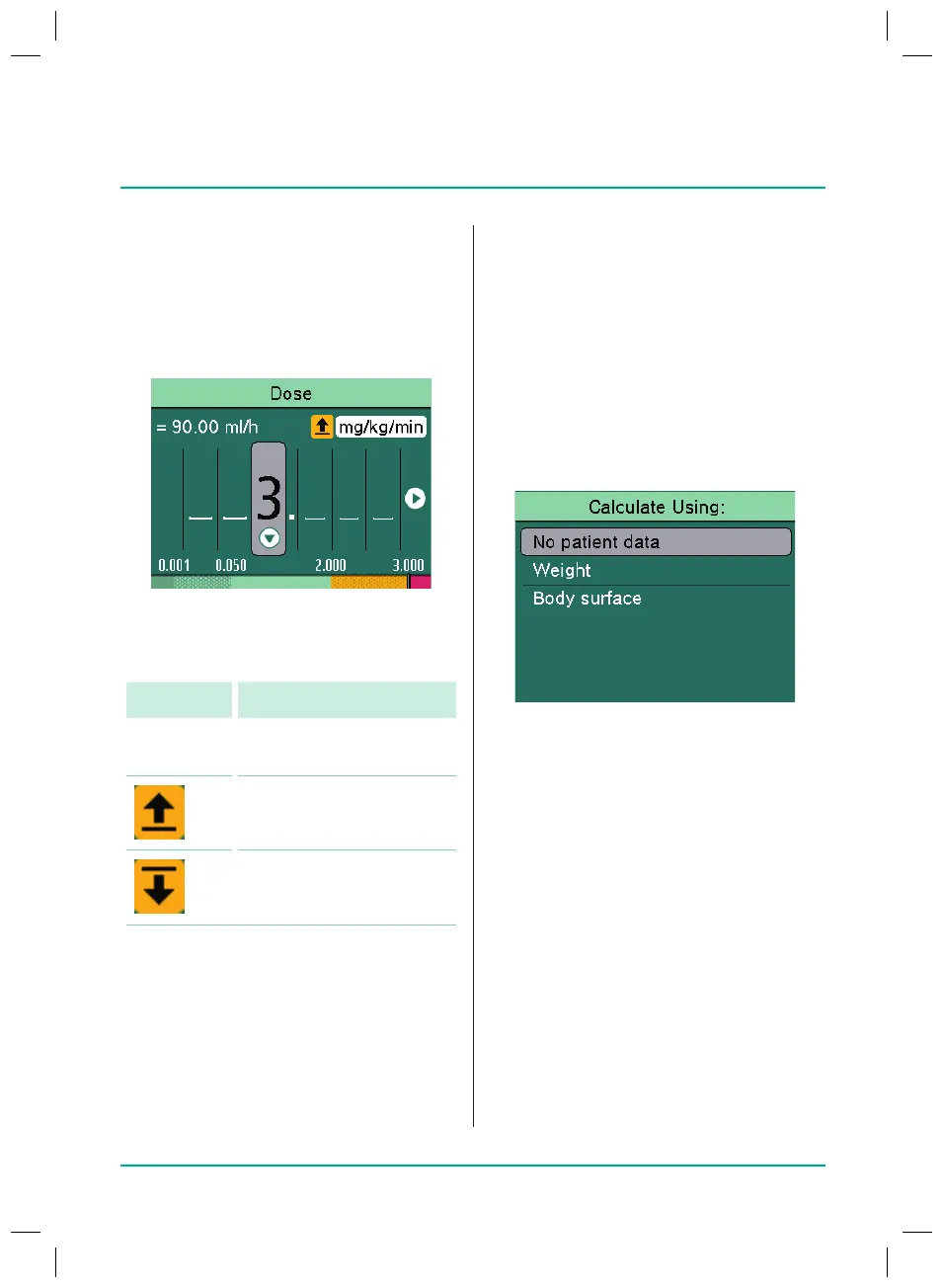
The “Calculate Using:” screen is
displayed.
Calculating without patient data
The delivery rate is calculated without any
patient data being entered.
Q
Select No patient data and press OK
to conrm.
Q
Select dose unit and press OK to
conrm.
Q
Enter dose.
Note: Pressing the OK key brings up the
Overview screen.
Q
Check the plausibility of the displayed
values.
Q
Start the infusion with the Start/Stop
key.
Soft limits
Soft limits for rate/dose/bolus volume
and bolus rate can also be stored in the
database. These can be exceeded with
no restriction but the following message
appears on the display.
The following symbols that describe the
status of the pump with regard to the soft
limits are described:
Symbol Meaning
No symbol Infusion is within the
softlimits
Infusion is above the
upper soft limit
Infusion is below the
lower soft limit
8.10
Calculating the dose
The Dose calculation function is used to
calculate the delivery rate in ml/h based on
the dose parameters entered.
Q
Infusion line inserted and selected
Q
Press the Menu key.
38932401_Infusomat_compactPlusP_EN_IFU_1020_v5.indd 32 15.10.2020 17:47:29















 To Next Page