29
Operation
8.7
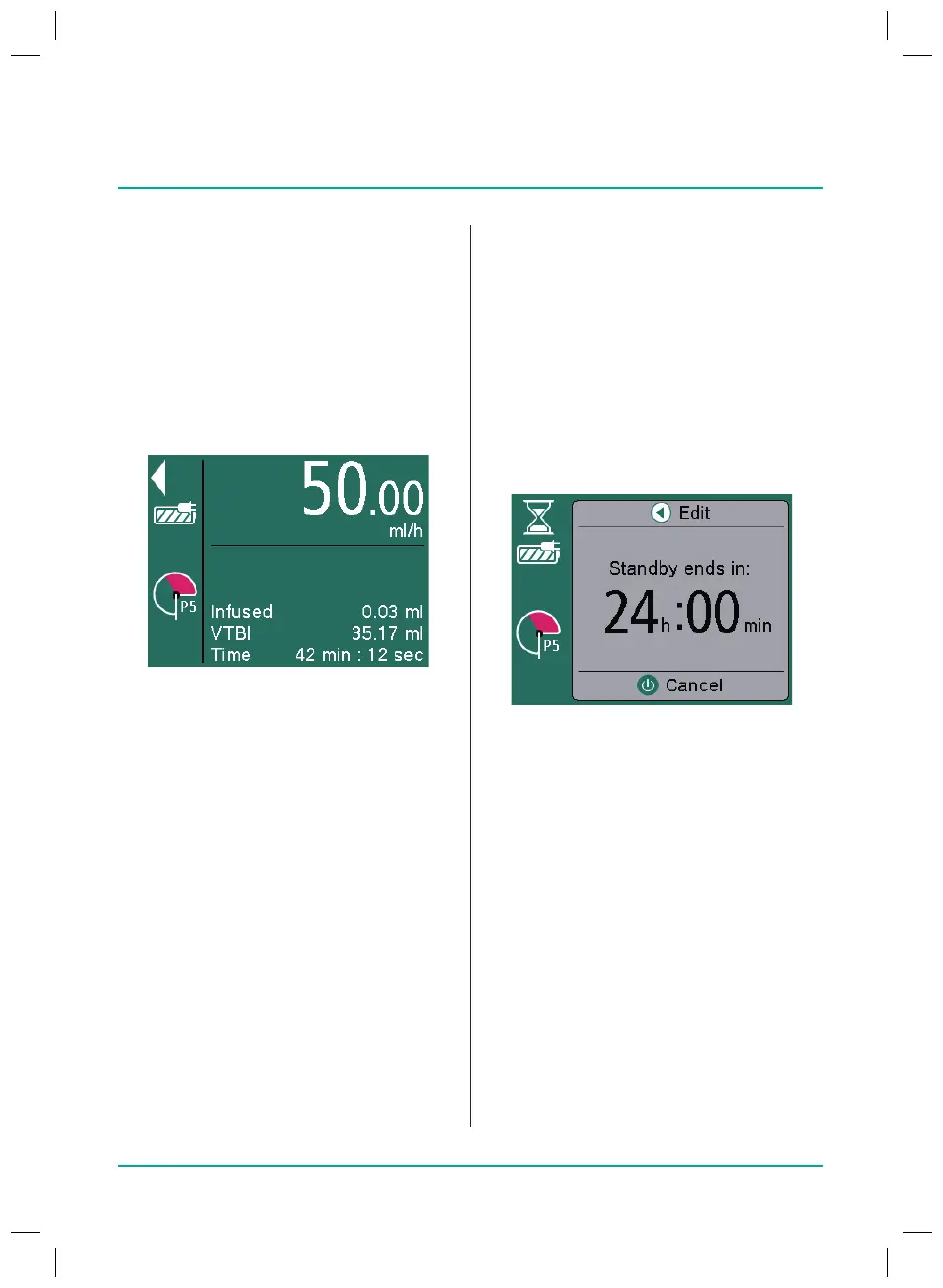
Activating standby
In the event of longer interruptions, theuser
has the option of retaining the set values
and continuing the infusion at a later time.
Activating standby mode
Q
Infusion line inserted and selected
Q
Press the On/O key and hold it down
until the pump indicates that it is in
standby mode.
Adjusting device standby time
Q
Press the left arrow key.
Q
Enter the desired time and press OK
toconrm.
Ending standby mode
Q
Press the On/O key or Back key.
Q
Press the Start/Stop key.
The delivery is re-started with the
previously set values.
8.6
Starting and stopping
the infusion
Q
Values for the treatment set
Q
Press the Start/Stop key to start the
infusion.
The moving arrows in the display and
the green LEDs show that the delivery
is taking place.
Note: The infusion rate set can be changed
during an ongoing infusion by pressing the
OK key.
Q
Interrupt or stop the infusion by press-
ing the Start/Stop key.
Note: After stopping the therapy,
“Resettherapy” must be selected in the
menu before a new therapy can be started.
38932401_Infusomat_compactPlusP_EN_IFU_1020_v5.indd 29 15.10.2020 17:47:28















 To Next Page