33
Operation
Q
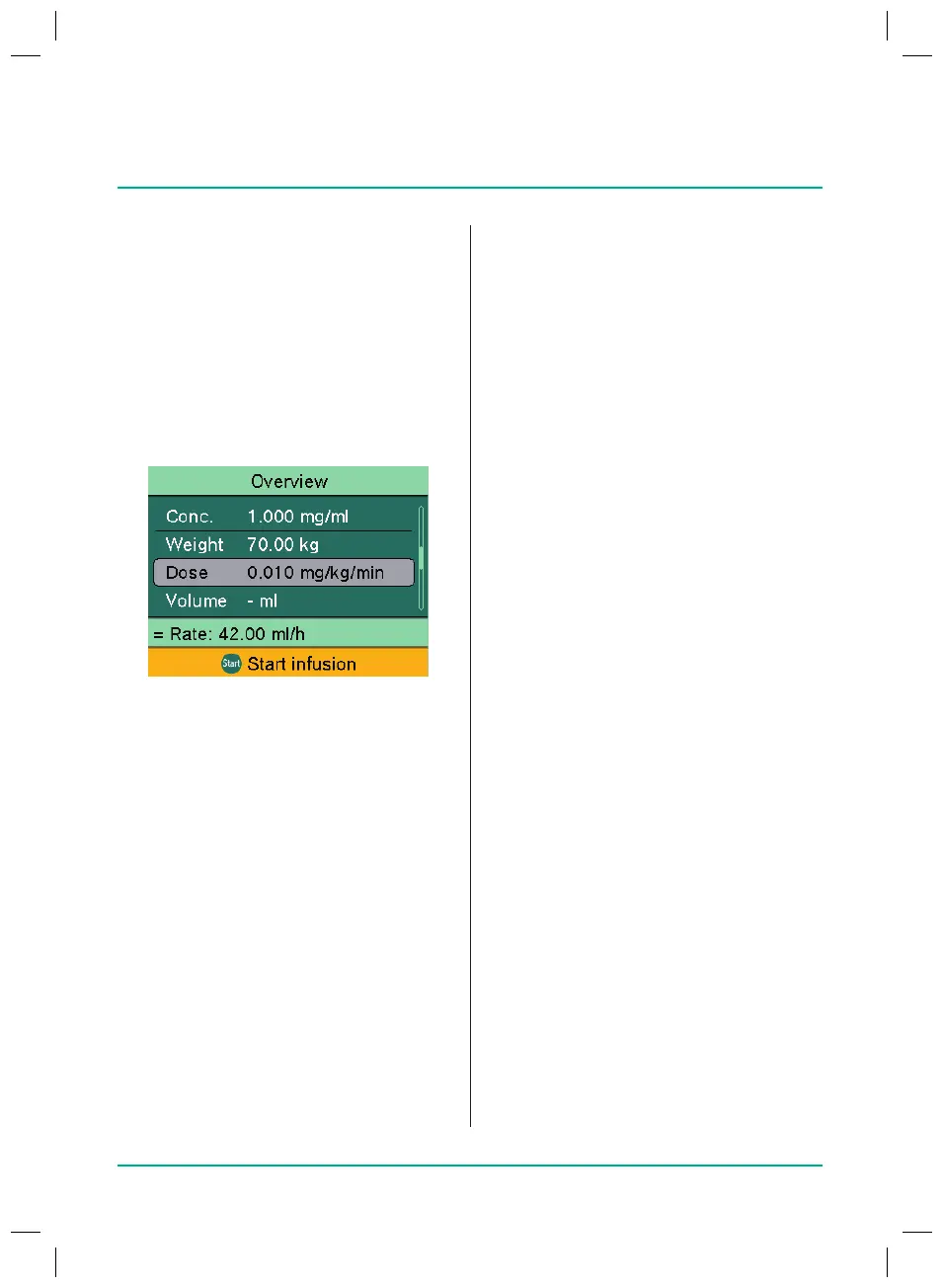
Check the plausibility of the displayed
values.
Q
Start the infusion with the Start/Stop
key.
8.11
Entering a combination
of delivery rate, volume
and time
Q
Infusion line inserted and selected
Q
Press the Menu key.
The main menu is displayed.
Q
Select Rate, volume & time and press
OK to conrm.
Q
Enter two of the following parameters
and press OK to conrm:
–
Rate
–
Volume
–
Time
The third parameter is automatically
calculated.
If one or more parameters are entered,
changing a parameter has the following
eects on the other parameters.
Q
Rate (or dose rate) changed:
–
If only the volume has been entered,
the remaining time is adjusted.
–
If only the time has been entered,
the remaining volume is adjusted.
–
If the volume and time have been
entered, the remaining time is
adjusted.
Q
Volume changed:
–
If only the rate has been entered,
the remaining time is adjusted.
–
If only the time has been entered,
the rate (or dose rate) is adjusted.
Calculation using: Weight
Q
Select Weight and press OK to conrm.
Q
Enter weight and press OK to conrm.
Q
Select dose unit and press OK to
conrm.
Q
Enter dose.
The rate is automatically calculated.
Note: Pressing the OK key brings up the
Overview screen.
Q
Check the plausibility of the displayed
values.
Q
If necessary, enter the volume or time.
Q
Start the infusion with the Start/Stop
key.
Calculation using: Body surface area
Q
Select Body surface area and press
OK to conrm.
Q
Enter weight and press OK to conrm.
Q
Enter the patient’s height and then
press OK to conrm.
Q
Select dose unit and press OK to
conrm.
Q
Enter dose.
The rate is automatically calculated.
Note: Pressing the OK key brings up the
Overview screen.
38932401_Infusomat_compactPlusP_EN_IFU_1020_v5.indd 33 15.10.2020 17:47:29















 To Next Page