System manual Coronis 5MP 71
.
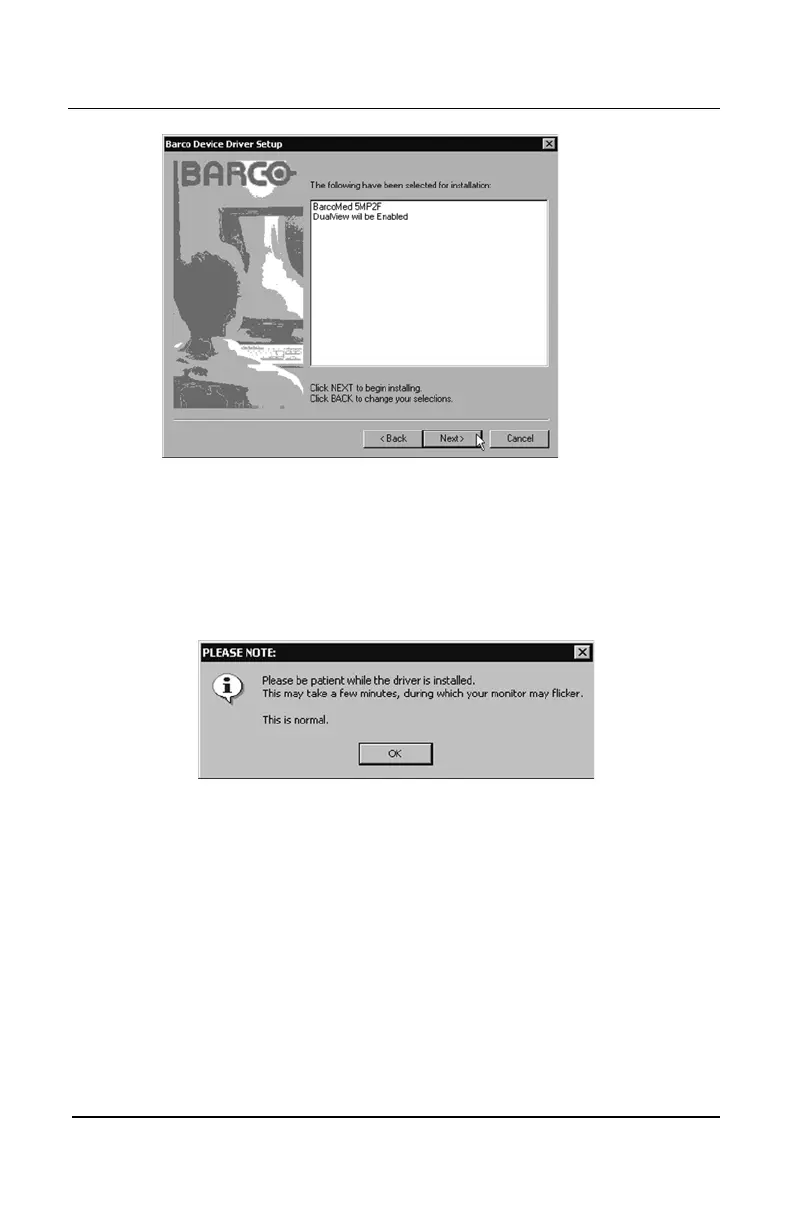
Figure 40: One Device, DualView Enabled
11. Prior to beginning the installation the BarcoMed Driver Install
Wizard will warn you that while the driver is being installed your
display may flicker. Click
“OK”“OK”
“OK”“OK”
“OK” to continue (see figure 41).
Figure 41
12. While the driver is being installed, the screen shown in figure 42
will be visible.
BarcoMed software driver installation


 To Next Page