601–0445 /05 Loki112
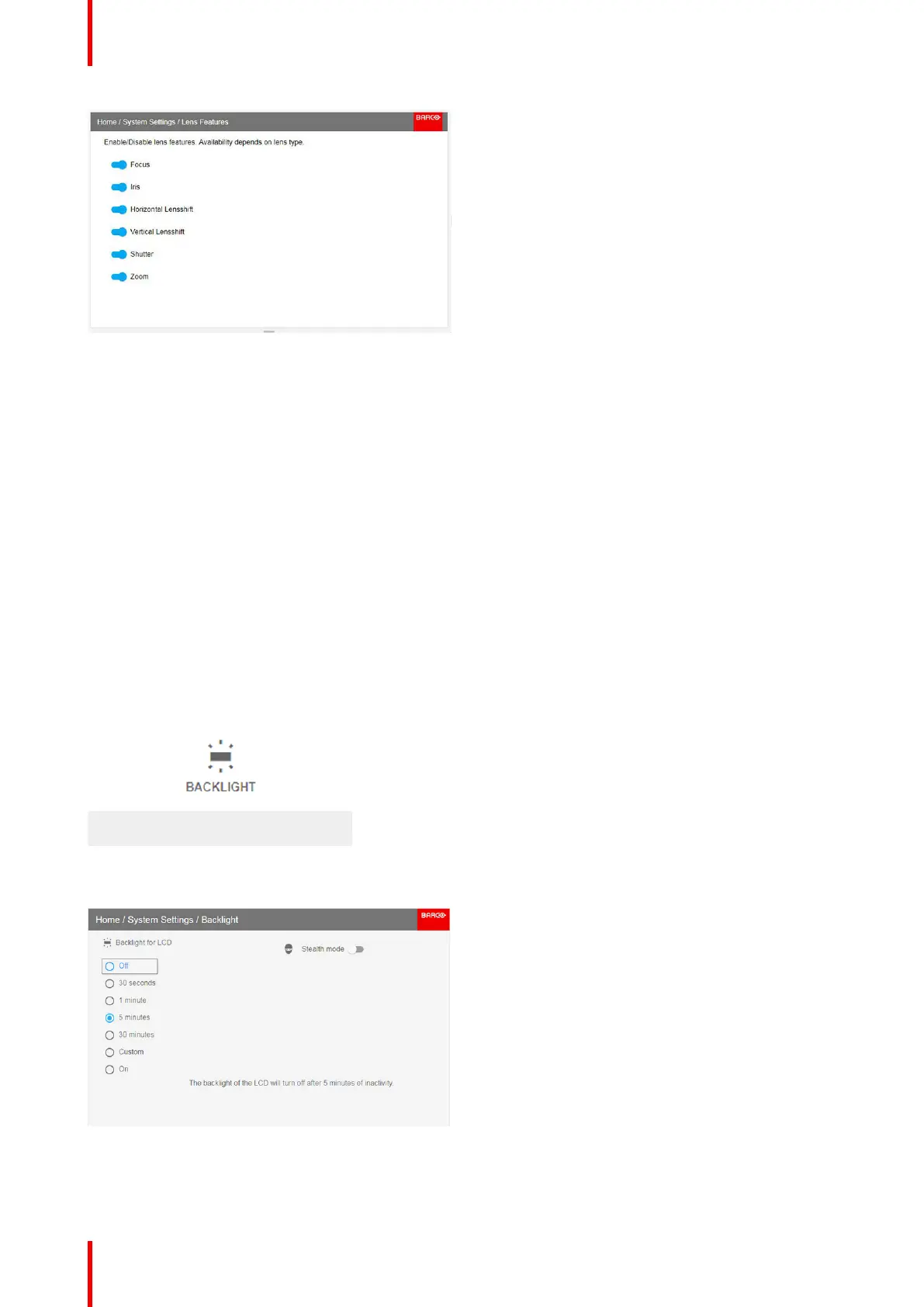
Image 9-8
9.7 Controlling the backlight of the LCD Display
What lighting can be controlled?
You can choose how quickly the backlight of the LCD turns off. You can select one of the default values, or
enter a custom value.
Stealth Mode
Alternatively, you can turn on Stealth Mode instead. By activating this mode, the backlight of the LCD, the
backlight of all the buttons of the keypad and the indication LEDs for the LAN and HDbaseT inputs will be
disabled
Stealth Mode is enabled and disabled by pressing the OSD button on the remote control for 3 seconds.
How to set the backlight
1. In the main menu, System Settings → Backlight.
Image 9-9: System settings, Backlight
The Backlight menu will be displayed.
Image 9-10: Backlight menu
2. Choose the desired setting for the backlights. Select one of the predetermined options, or a custom value.
System settings menu



 To Next Page