601–0445 /05 Loki86
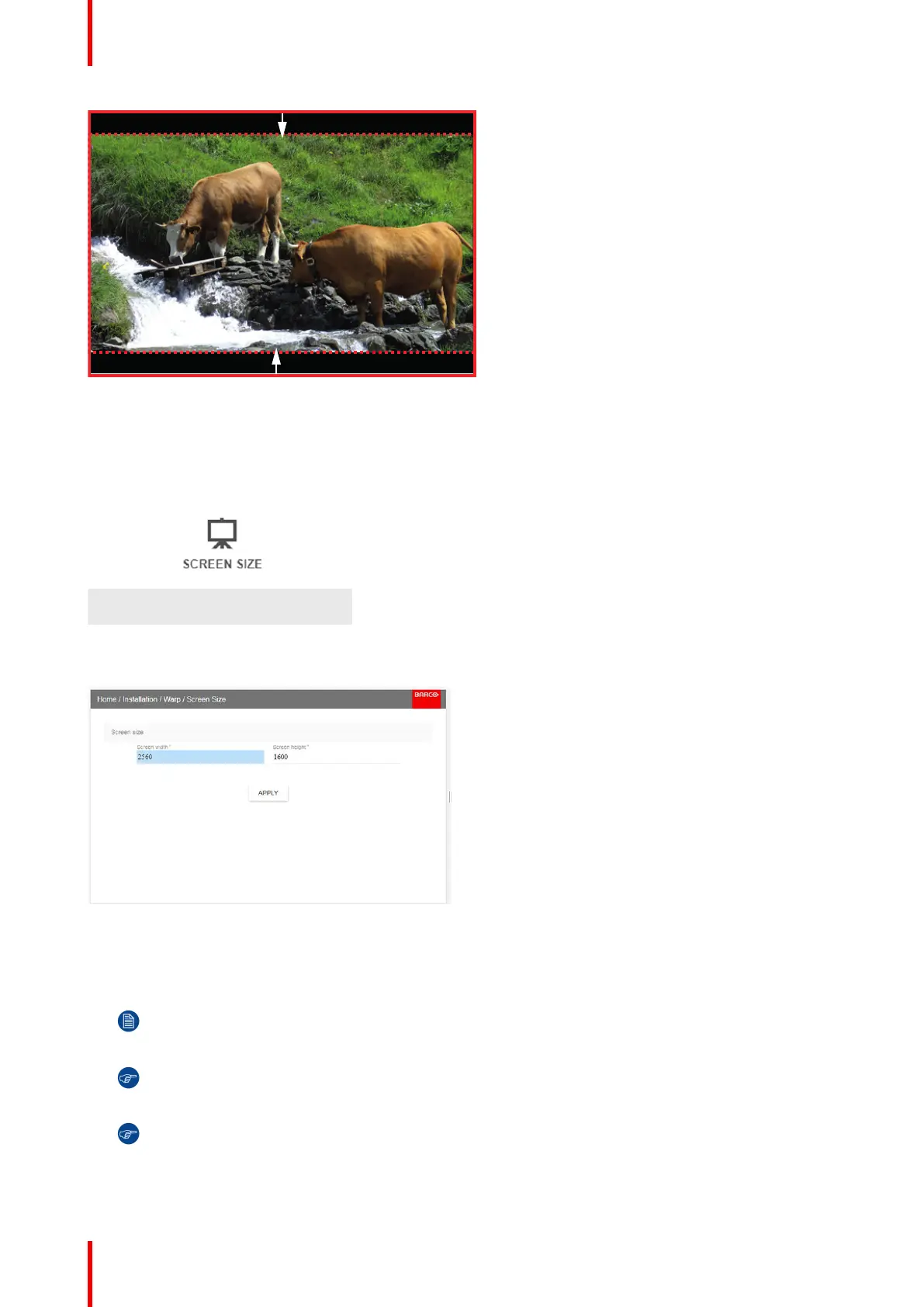
Image 8-21: Warp outline example
How to adjust the image?
1. In the main menu, select Installation → Warp → Screen Size.
Image 8-22: Warp Menu, Screen Size
The Screen Size menu is displayed.
Image 8-23
2. Select either Screen width or Screen height.
3. Set the screen size width and height to match the measurement of the screen.
Note: It is only the ratio between the width and height that is used, so the values may be entered as
the screen aspect ratio or actual measurement in cm, inches or any other unit.
Tip: A red border will be projected along with the current image. The border is a visual tool, showing
the result of the adjusted outline.
Tip: The value can also be entered by the numeric keys on the remote control. Press * to delete
existing numbers, and enter the new value by the numeric keys.
4. Click Apply.
Installation menu



 To Next Page