AW00097603000 Physical Interface
Basler aviator GigE 39
5.7.2 Characteristics
The camera is equipped with two physical input lines designated as input line 1 and input line 2.
The input lines are accessed via the 12-pin receptacle on the back of the camera.
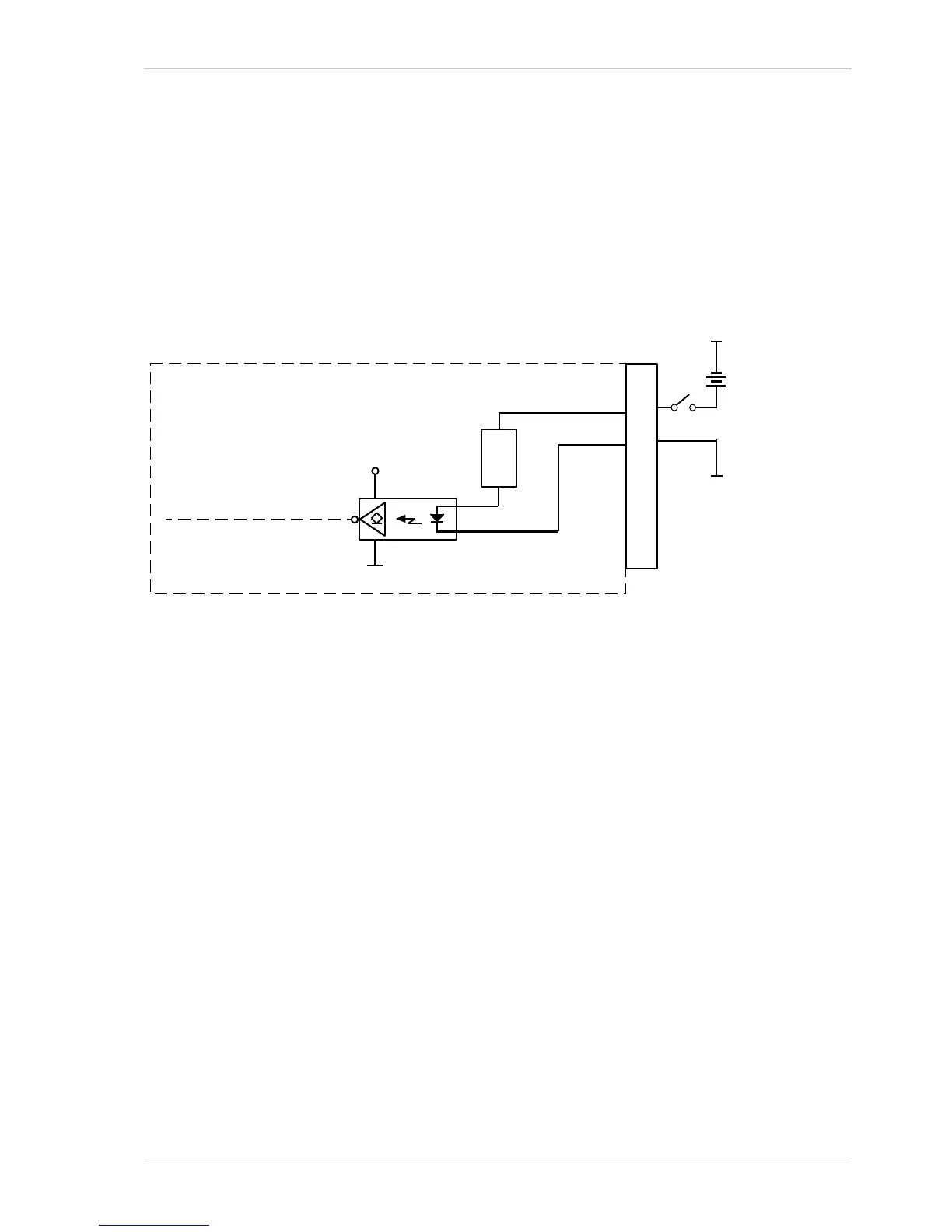
As shown in the I/O line schematic, each input line is opto-isolated. See the Voltage Requirements
section for recommended input voltages and their significances. The current draw for each input
line is between 5 and 15 mA.
Figure 12 shows an example of a typical circuit you can use to input a signal into the camera.
For more information about input line pin assignments and pin numbering, see Section 5.2 on
page 32.












 To Next Page