Code: IU.01.09.0007
Version / Revision: 6.001
Page: 66 de 143
Ultrasonic washer
Model: E0201
USB connection (optional)
11.3 Turn on the Ultrasonic washer
Check that the feed valve on the water inlet stand is open.
Make sure that the switch on the power supply board is in the on position.
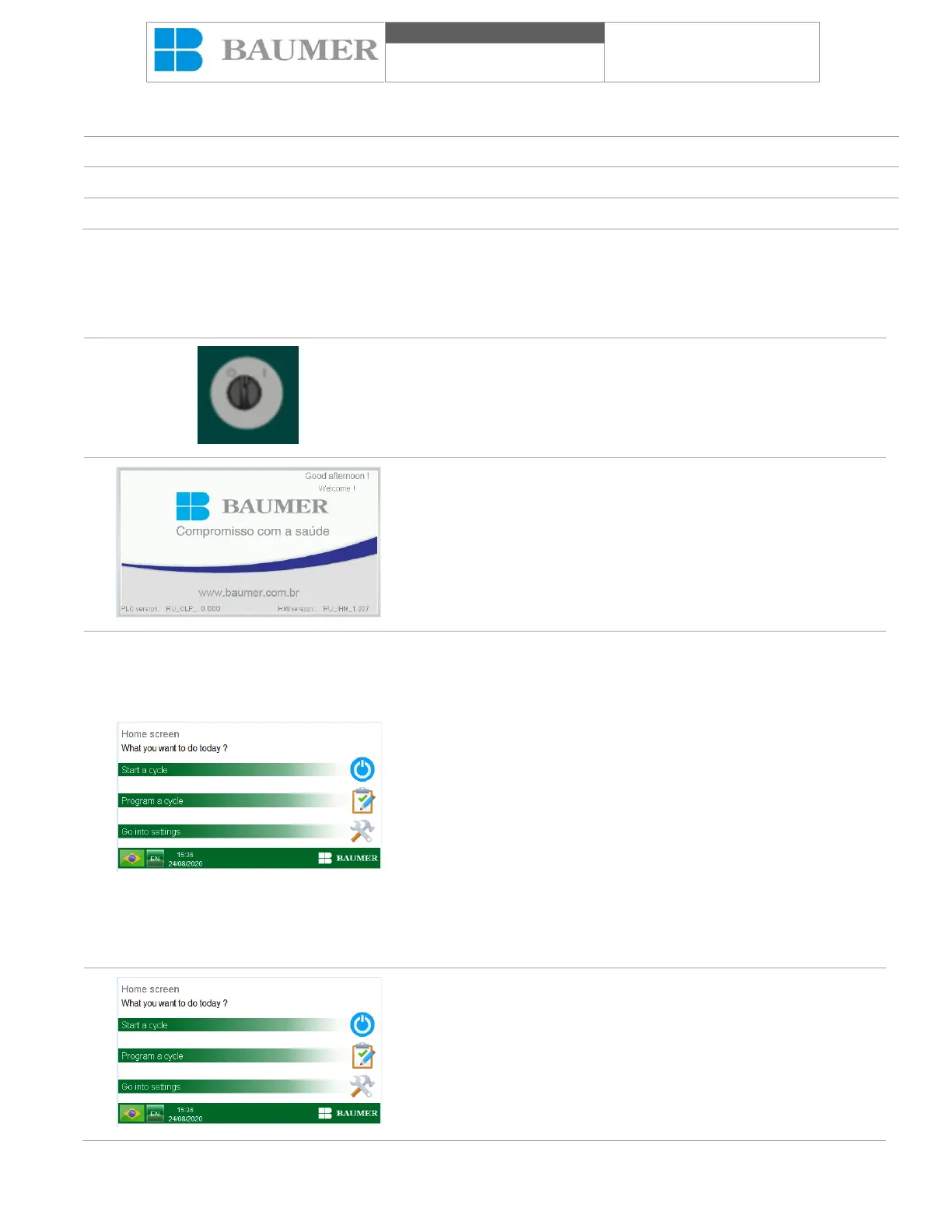
Turn on the Ultrasonic washer by placing the switch on / off (2) in
the position of switched on (I). After initializing the control system,
the “Presentation Screen” will be shown on the HMI.
The display provides information about the temperature values
measured in tenths of ° C and the phases of the process. This
information varies according to the operations that will be carried
out and can indicate, in addition to the phases of the cycle, the
parameters to be reached, the occurrence of falls and their cause,
the end of the cycle, as well as the parameters defined by the
operator in the cycle. scheduling
After a few seconds of presentation, the device will show the initial
display, which allows access to all device menus.
In this pantaloon, the following elements:
"Start a cycle" button: responsible for giving access to the menu
where cleaning cycles are allowed;
"Program a cycle" button: responsible for giving access to the menu
where cleaning cycles will be allowed;
"Go into settings" button: responsible for giving access to the menu
where the other functions and configurations of the equipment will
exist.
To change the language, click on the icon next to the band on the
bottom left corner to select the desired language: Portuguese (PT),
English (EN) and Spanish (ES).
All displays (except the display) will have the closing and hour
values and a suggestion icon, which will dump the user of possible
dudes in the operation.
In the "Home screen", press the button "Start a cycle".


 To Next Page