Code: IU.01.09.0007
Version / Revision: 6.001
Page: 81 de 143
Ultrasonic washer
Model: E0201
11.10 Maintenance and calibration area
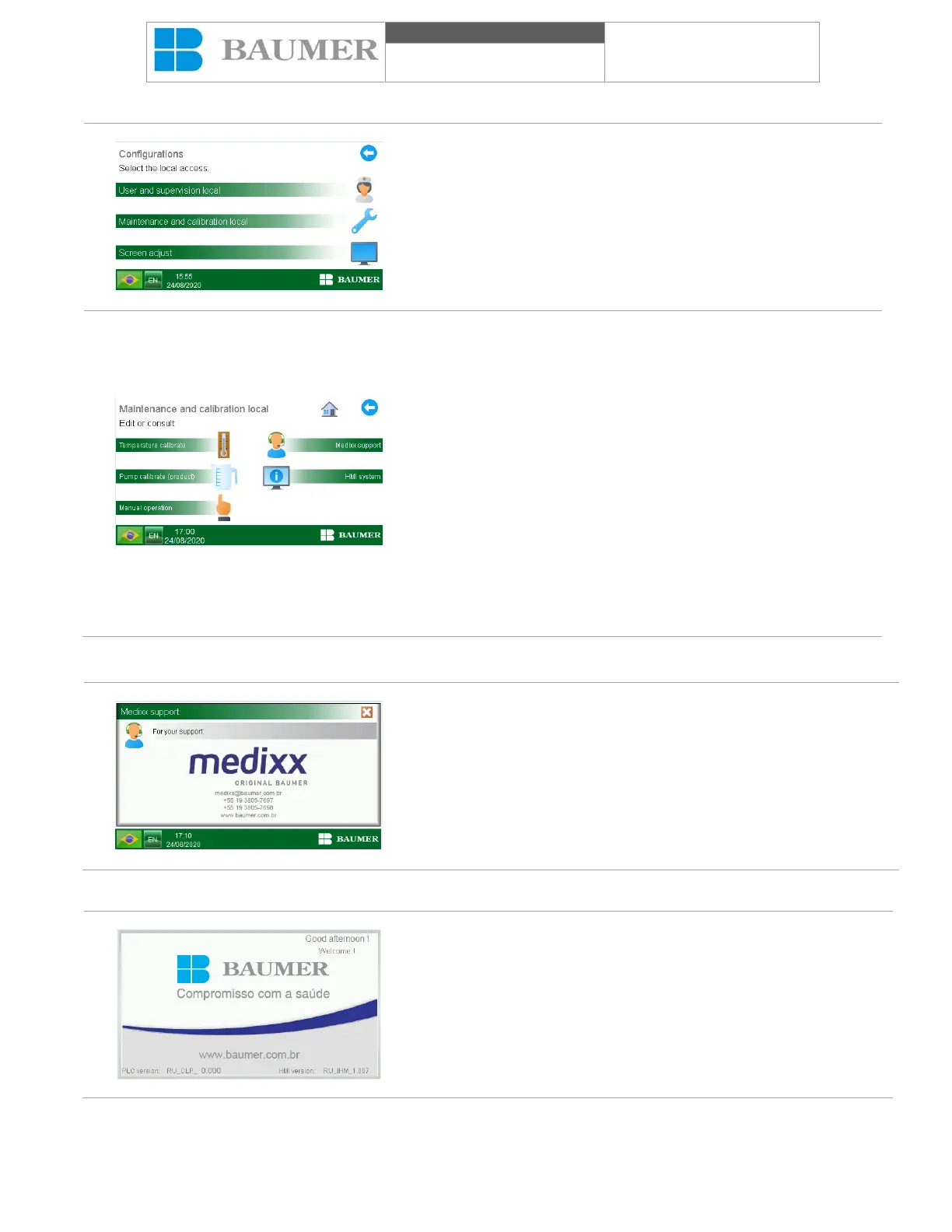
The "Settings" display presents the "Maintenance and calibration
area" icon as an alternative. When you touch, you load the pant
with the function.
The "calibration and maintenance area" presents a menu with the
following elements:
The following screens for the exclusive use of qualified technicians
for these procedures:
• Temperature calibration;
• Calibrate the pump (product);
• Manual operation;
• HMI system.
Users can access other functions:
• Medixx support;
• Icon "To return to the beginning", presented by a house;
• Icon "Back to the previous slide", represented by an arrow.
To be in the “Maintenance and calibration area”, to touch the icon
“Medixx Support”, a display will be loaded where the contact of
specialized technical assistance from Baumer is indicated.
To return to the previous menu, press the "X" icon (close the window)
on the upper corner of the wall.
When lighting up the equipment, the "Presentation Screen" will be
shown, from which the software versions of the equipment will be
indicated.


 To Next Page