Code: IU.01.09.0007
Version / Revision: 6.001
Page: 88 de 143
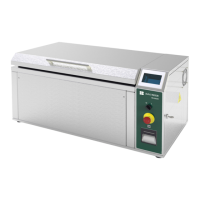
Ultrasonic washer
Model: E0201
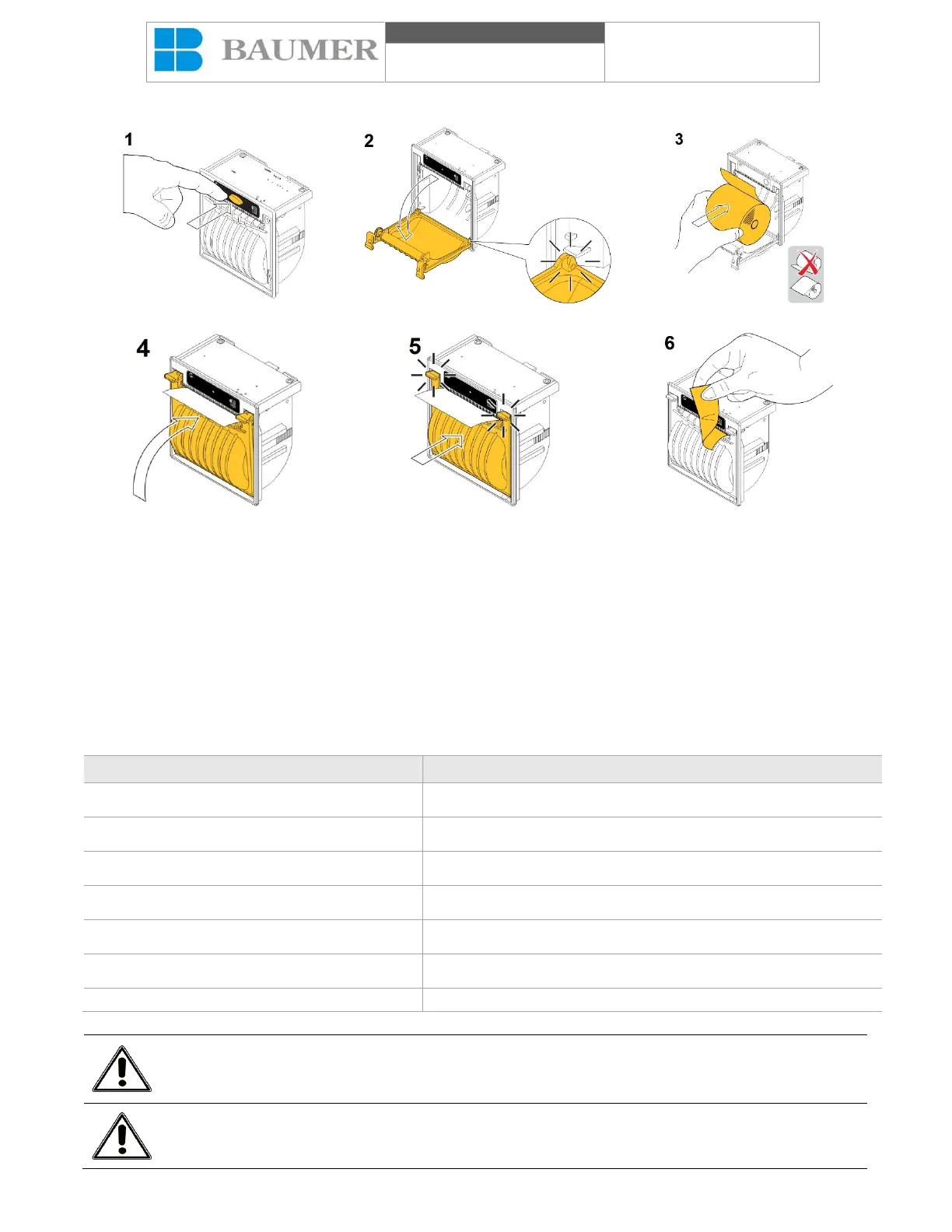
Replacing the paper roll of thermal printer:
To replace the paper roll:
1 - Open the paper roll holder by pressing the OPEN button;
2 - Move the plastic cover down for maximum opening;
3 - Insert the paper roll making sure that it rolls in the correct direction, as shown;
4 - Remove the paper and close the plastic cover;
5 - Push the plastic cover to lock it;
6 - Tear the top paper using the uneven edge.
Paper roll specification:
Maximum roll outer diameter
Storage Relative Humidity
Recommended paper type (BAUMER)
Do not place foreign objects inside the printer, avoid impact anywhere, keep the protective cover
closed to prevent damage.
Do not use printing paper out of specified. Do not store together with chemicals.


 To Next Page