MX680RD User’s Manual
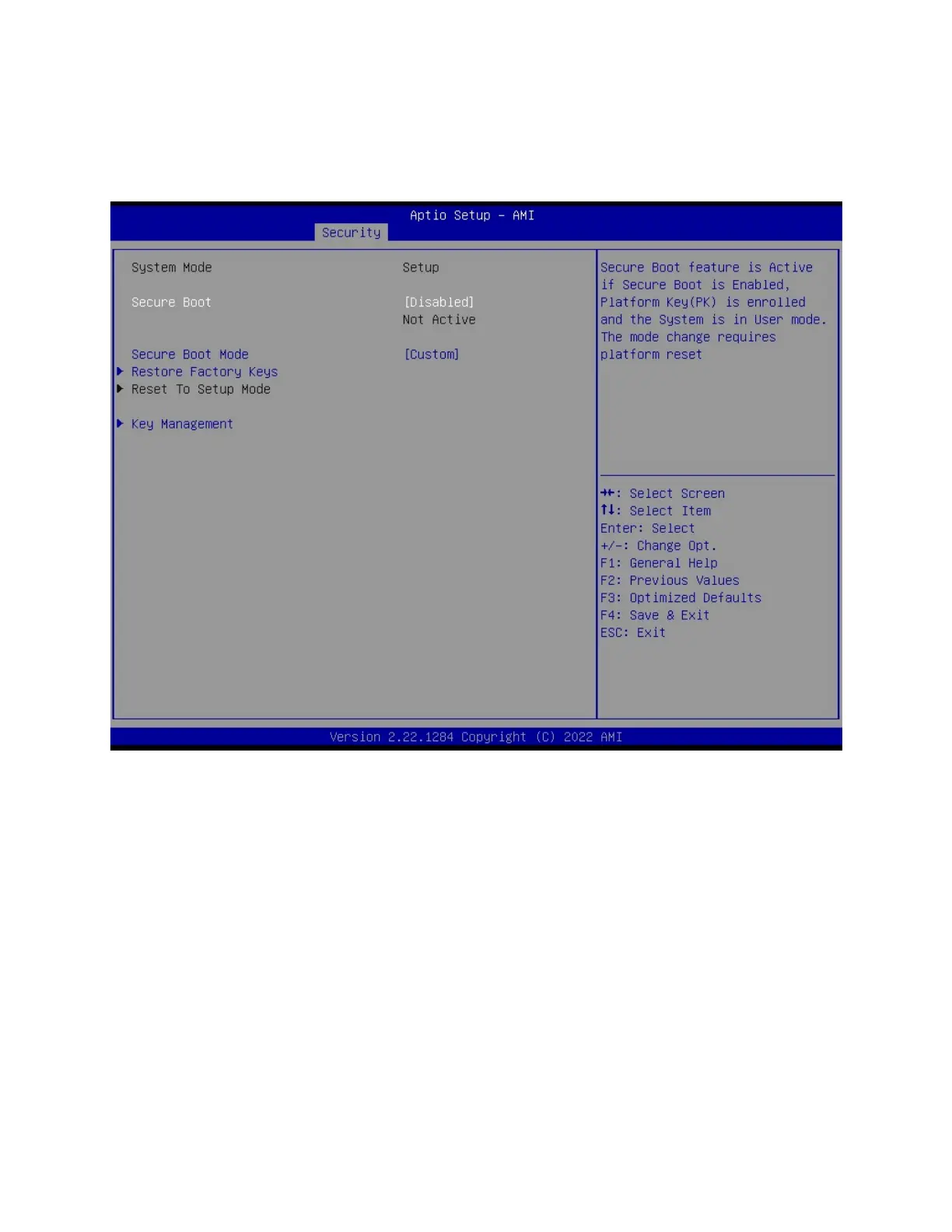
2.6.3 Secure Boot
Secure Boot configuration. It usually requires user to provide the Secure Boot key to be
implemented with a customized BIOS and the OS image.
2.6.3.1 Secure Boot [Disabled]
Secure Boot feature is active if Secure Boot is enabled. Platform key (PK) is enrolled and the
system is in user mode
2.6.3.2 Secure Boot Mode [Custom]
Secure Boot Mode option: [Standard], [Custom]
2.6.3.3 Restore Factory Keys
Force system to User Mode. Install factory default Secure Boot key databases



 To Next Page