MX680RD User’s Manual
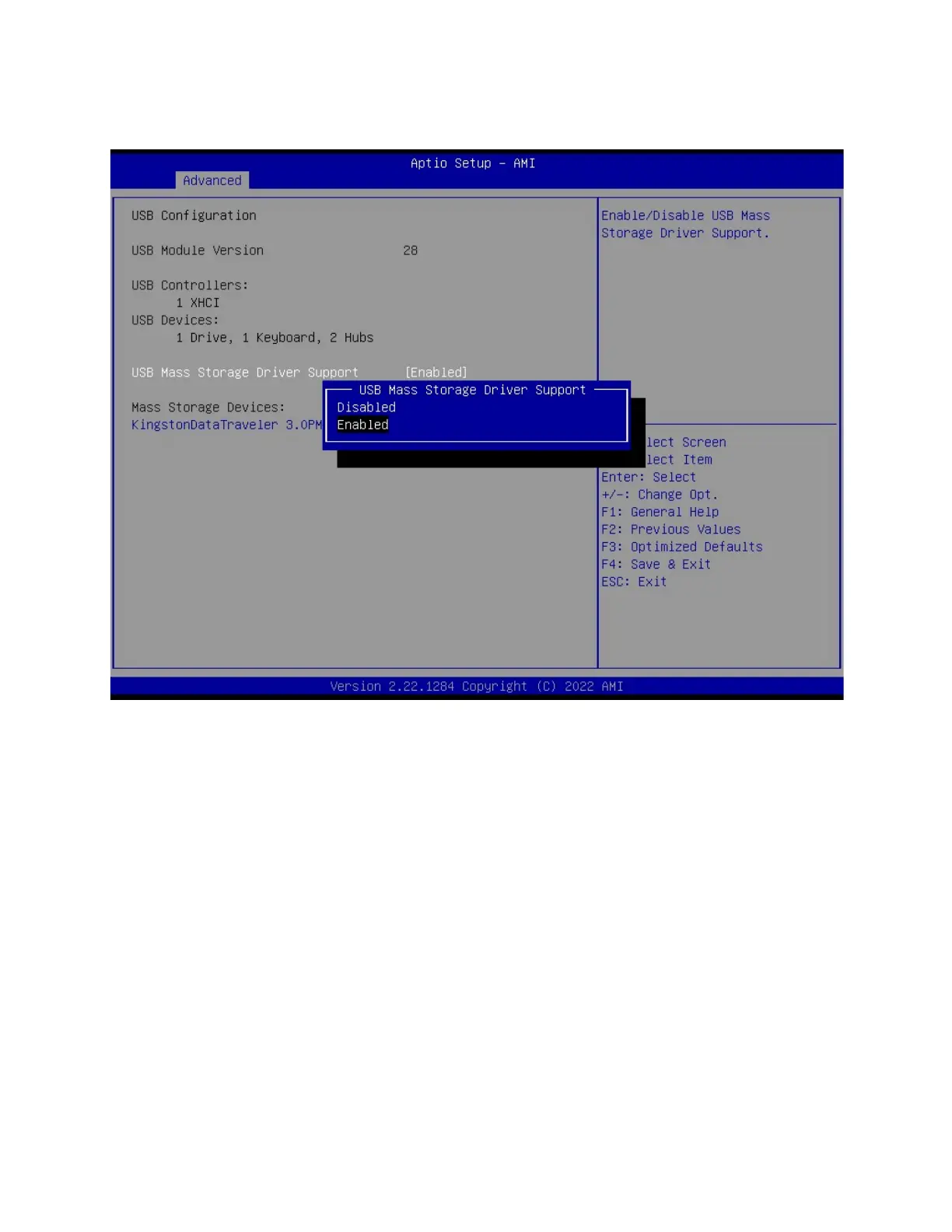
2.4.11 USB Configuration
2.4.11.1 USB Mass Storage Driver Support [Enabled]
Enable or Disable USB Mass Storage Driver Support
Configuration options: [Enabled], [Disabled]
2.4.11.2 Mass Storage Devices [Auto]
Mass Storage device emulation Type. “Auto” enumerates device according to its media
format.
Configuration options: [Auto], [Floppy], [Forced FDD], [Hard Disk], [CD-ROM]



 To Next Page