MX680RD User’s Manual
2.2 BIOS Menu Screen
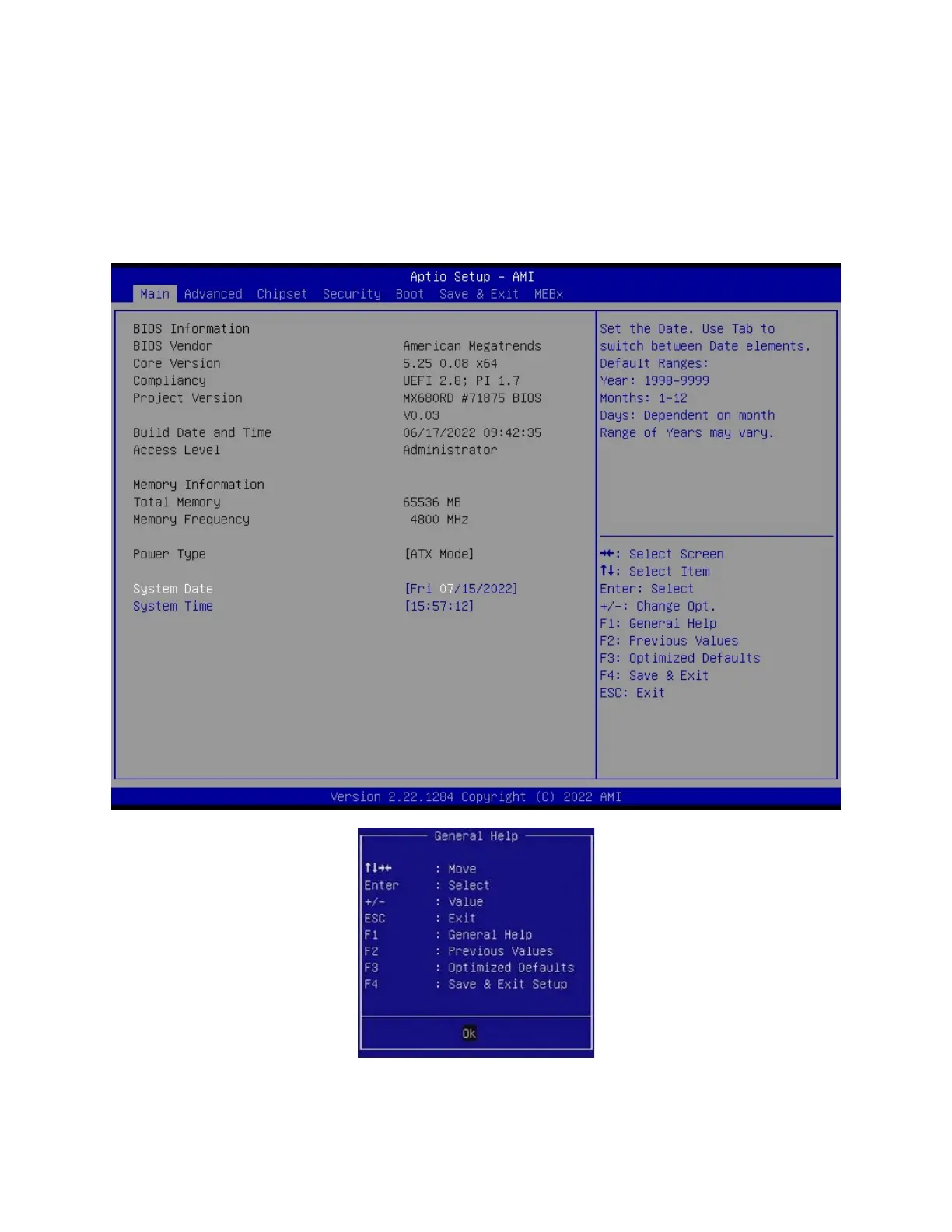
When you enter the BIOS, the following screen appears. The BIOS menu screen displays the
items that allow you to make changes to the system configuration. To access the menu items,
press the up/down/right/left arrow key on the keyboard until the desired item is highlighted, then
press [Enter] to open the specific menu.



 To Next Page