BDCOM S6508 Switch Hardware Installation Guide
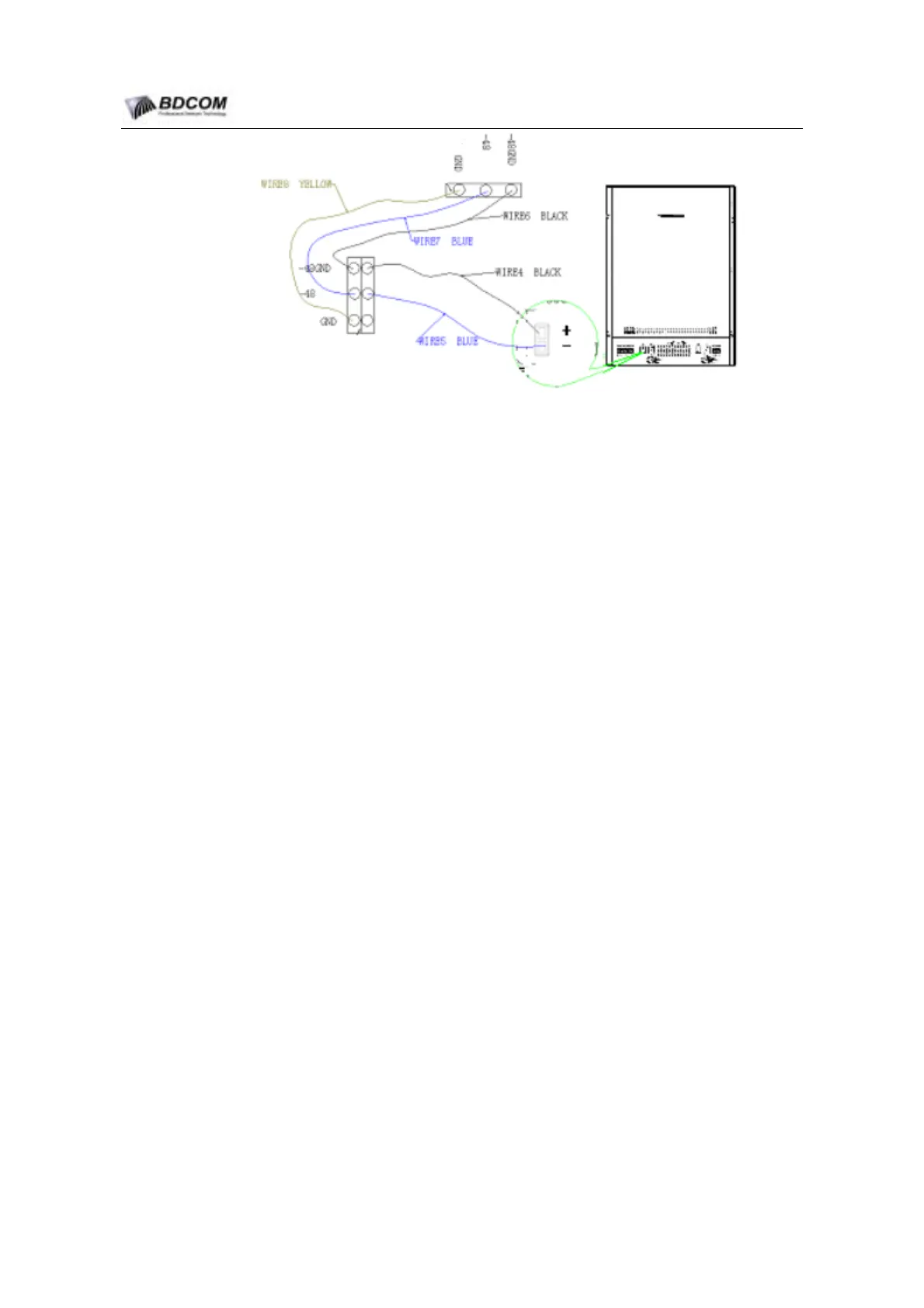
Figure 3-2 DC-wires Connecting
3.6.1 Notice proceeding
Before connecting the DC Power supply,Verify that the DC input reach the
DC-Power supply required.
Before connecting the AC Power supply,Verify that the power switch is the off(0)
position.
Must use the right color power wire to Connect the Power.
Make sure that there is solid metal-to-metal contact.
3.6.2 Connecting steps
(1) Conect the power wires to the right conncetor,tight the screw.
(2) Connect the other end of power wires to the right Power supply connector.
3.7 Connecting the AC Power supply
Look the rear panel of the chassis,and confirm the location of the AC terminal
block.Plug the power cord to the power connection.the following Figure show the right
connecting.
- 36 -



 To Next Page