BDCOM S6508 Switch Hardware Installation Guide
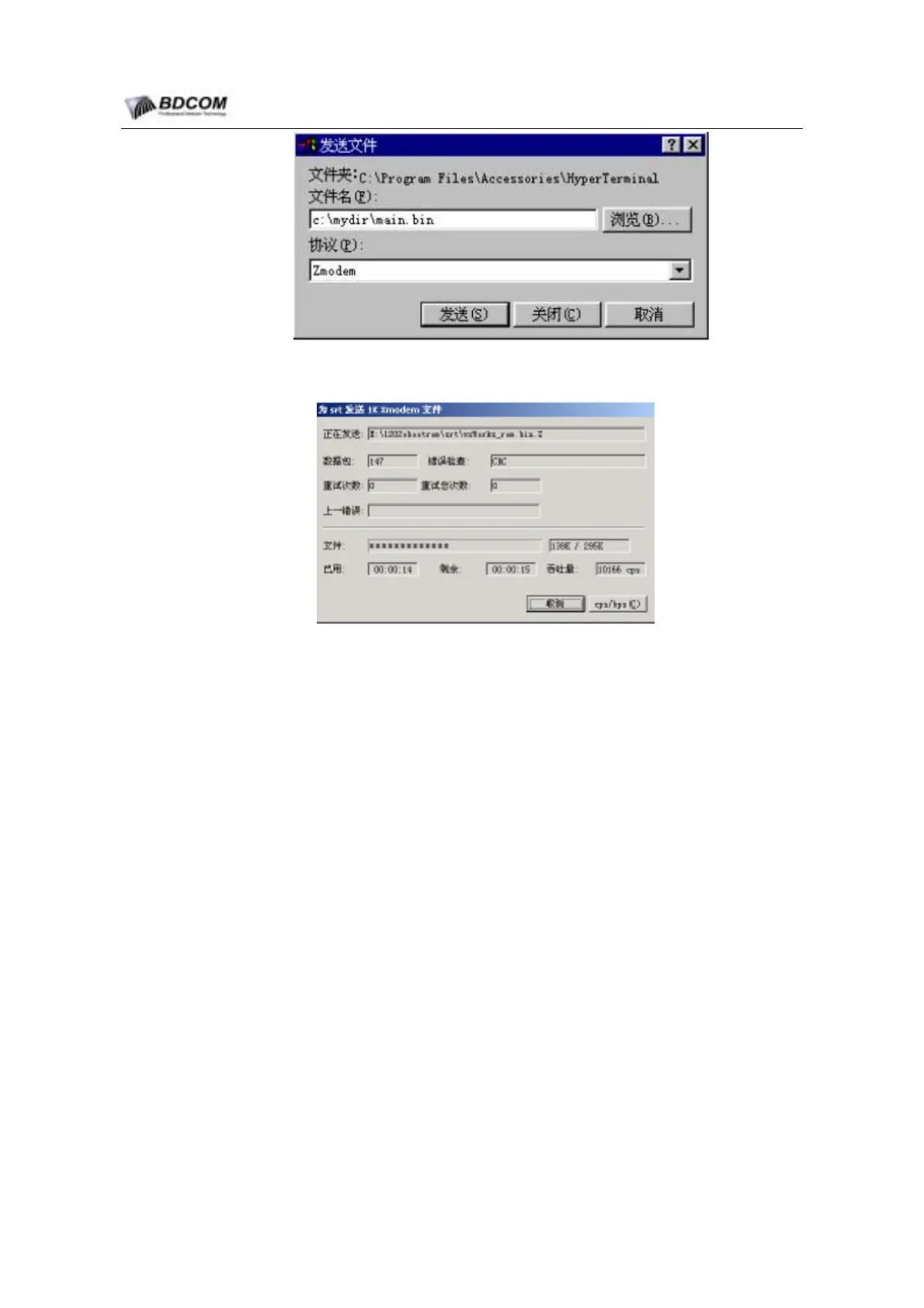
Figure 4-7 send file dialog
Figure 4-8 z-modem download image
(7) Following information will display after transfer file finished
Zmodem receive process completed.
Software transfer successfully, and should reset baudrate of hyperTerminal to
9600bps.
4.5.2 update configuratation
Switch’s config is stored in file, file name is startup-config, user can upgrade
configuration file , same as upgrade system sotrware.
use tftp protocal
monitor#
copy tftp flash startup-config
use zmodem protocal
monitor#
download c0 startup-config
4.5.3 Bootrom upgrade
In some case, bootrom of MSU need to be upgrade, users can set up the configuration
environment according to chapter 1.2. The serial port line connect to the console port
of S6508 MSU.
- 49 -



 To Next Page