BDCOM S6508 Switch Hardware Installation Guide
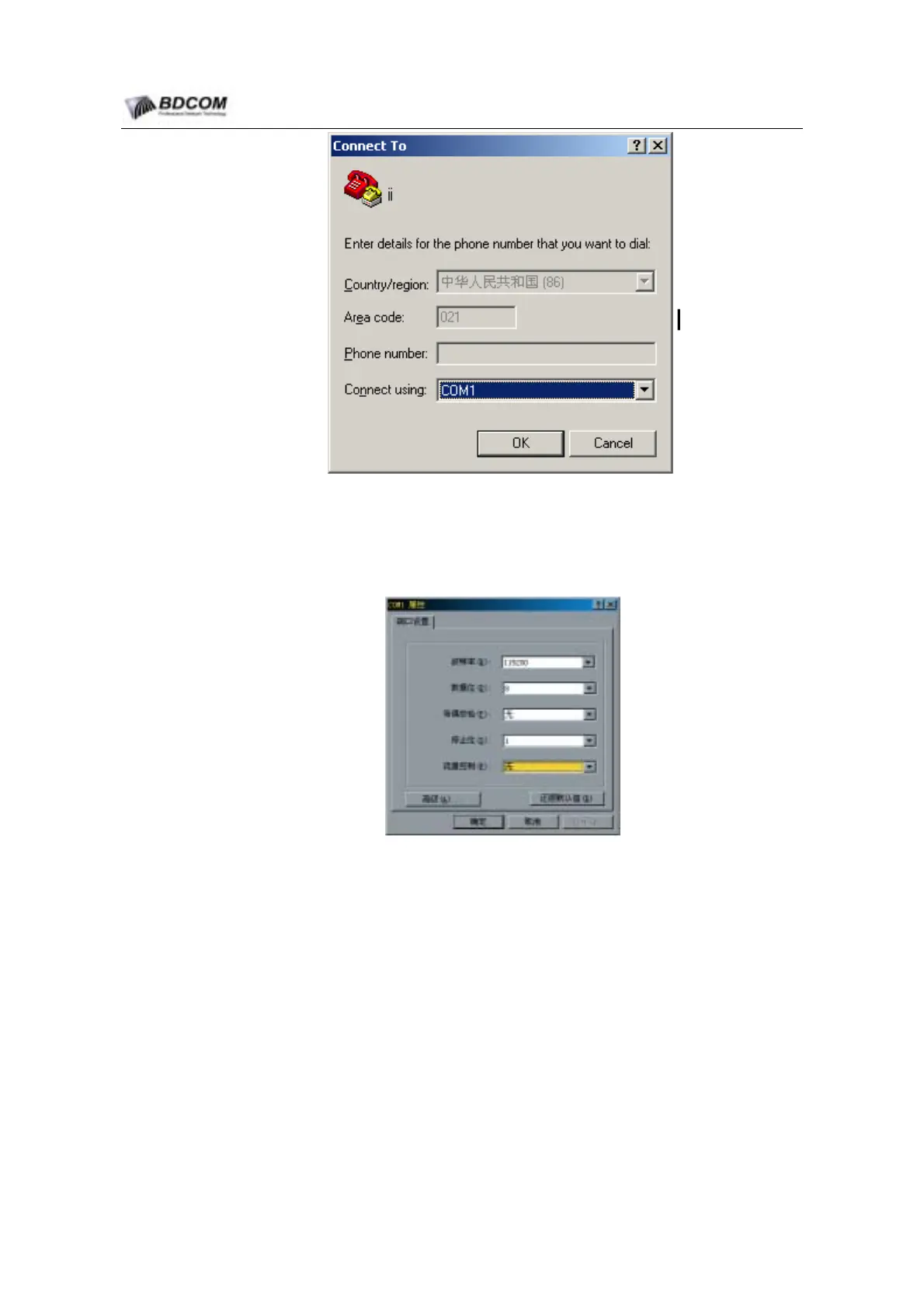
Figure 4-3 COM port configration
(5) Config communication parameter is: 9600bps, 8 data bit, 1 stop bit, no parity, no
flow control, terminal type is set to VT100.
Figure 4-4 COM parameter configration
After POWER on, system will run self-checking, after self-checking, switch will prompt
user to input <ENTER>, until command prompt string is displayed.
Input command, config S6508 or watch S6508 run-time status, if you need help, you
can input “?” at any time, specific information about command see
《
S6508 Switch
command manual
》
.
- 43 -



 To Next Page