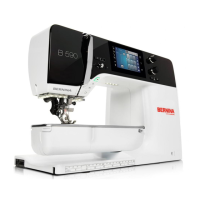
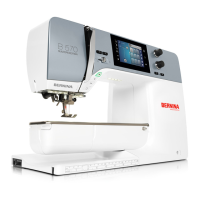
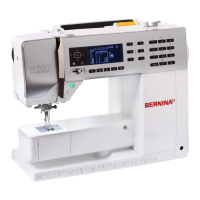
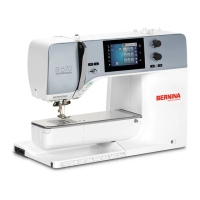
My BERNINA
21
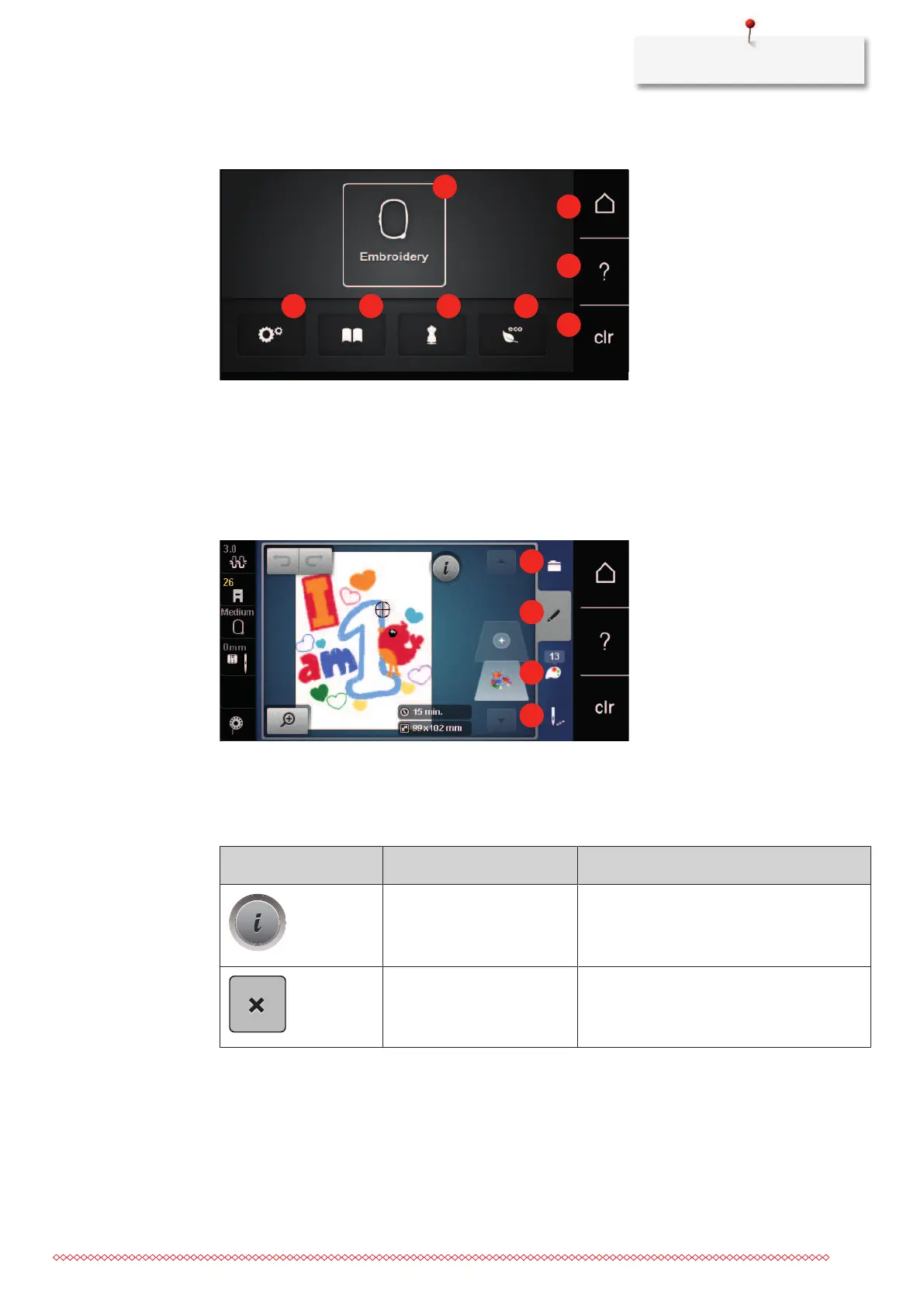
Overview System settings
1 Embroidery mode 5 eco
2 Setup Program 6 Home
3 Tutorial 7 Help
4 Embroidery Consultant 8 Back to default setting
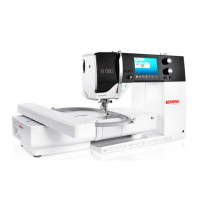
Overview Selection menu embroidery
1 Selection embroidery motifs 3 Color information
2 Editing embroidery motifs 4 Embroidery
Overview Icons
Icon Name Purpose
i-Dialog Under the icon «i» dialog, you can find
different functions for editing patterns.
ESC The window is closed and the changes that
were previously set are implemented.



 To Next Page