Setup Program
64
Packing the embroidery module
To pack the embroidery module into the original packaging without moving the embroidery arm manually,
the embroidery arm needs to be brought to its packing position.
Prerequisite:
• The embroidery module is connected with the machine.
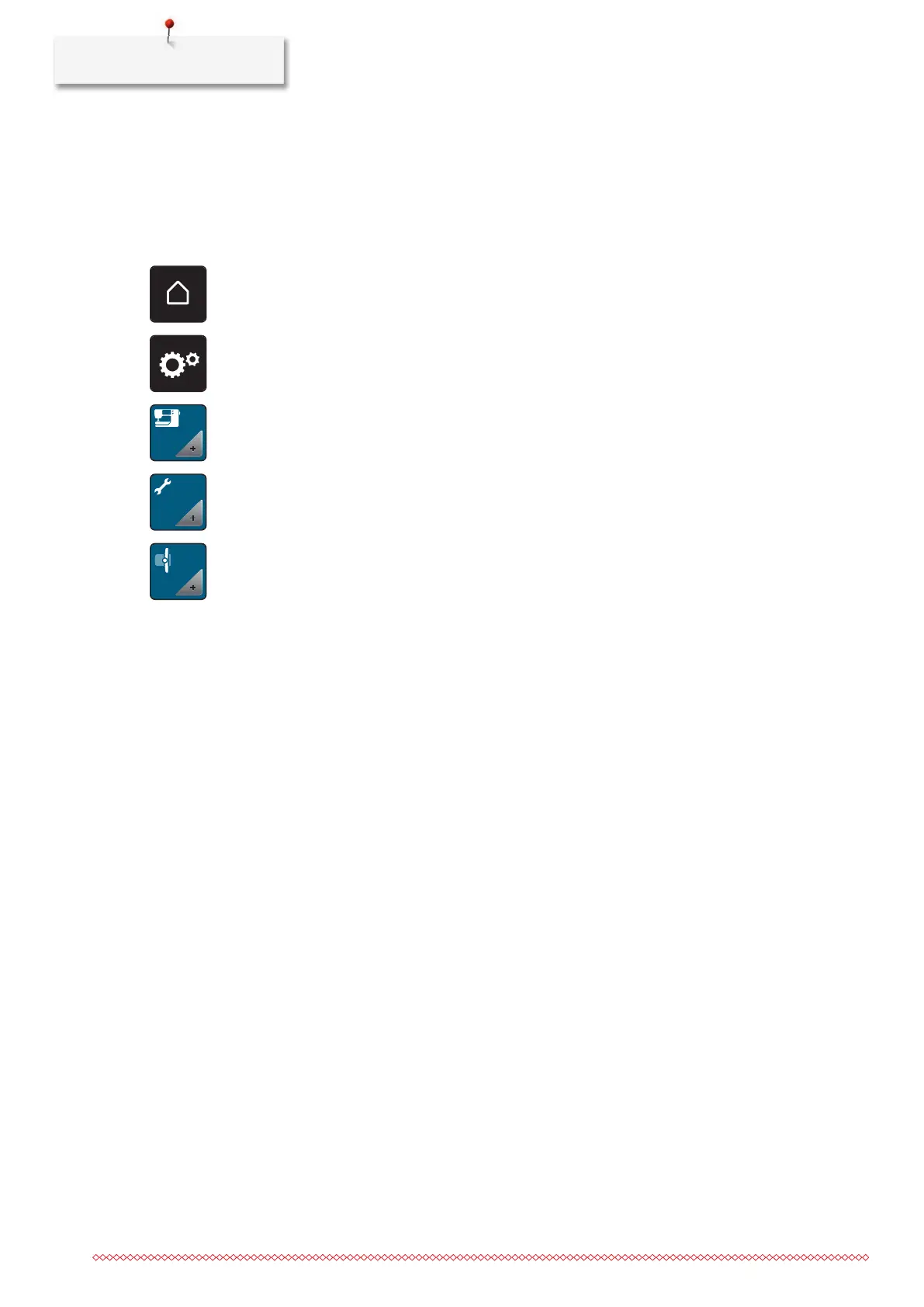
> Touch the icon «Home».
> Touch the icon «Setup Program».
> Touch the icon «Machine settings».
> Touch the icon «Maintenance/Update».
> Touch the icon «Packing position for embroidery module».
> Follow the instructions on the display.



 To Next Page