Embroidery preparation
29
2.2 Connection and Switching on
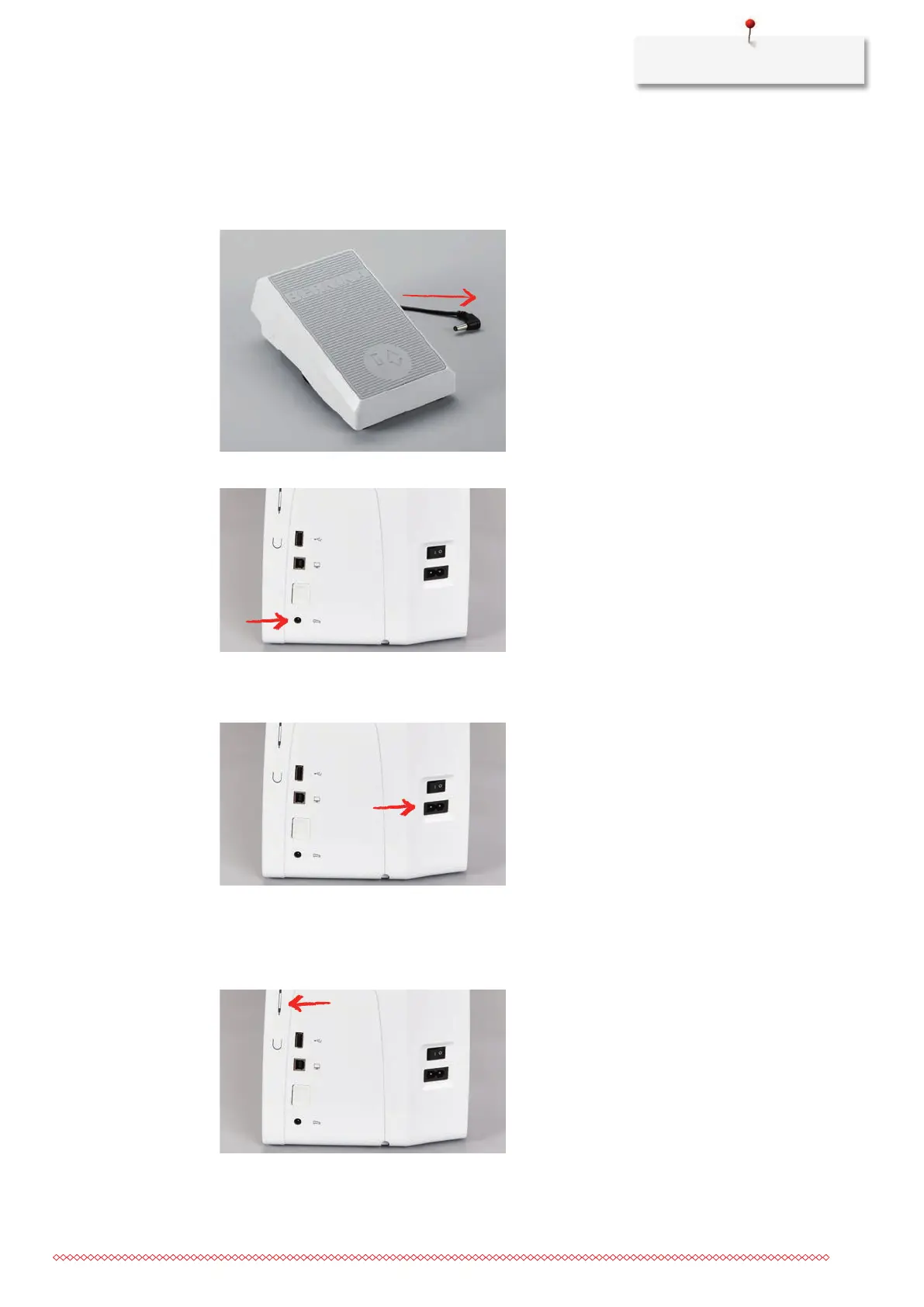
Connecting the foot control (Optional accessory)
> Unwind the cable of the foot control to the desired length.
> Insert the cable of the foot control into the foot control connection.
Connecting the machine
> Insert the power cable into the power cord connection.
> Insert the power cable into the power cord connection.
Fixing the touchscreen pen
> Store the touchscreen pen at the magnet holder.



 To Next Page