Setup Program
55
3.2 Selecting personal settings
> Touch the icon «Home».
> Touch the icon «Setup Program».
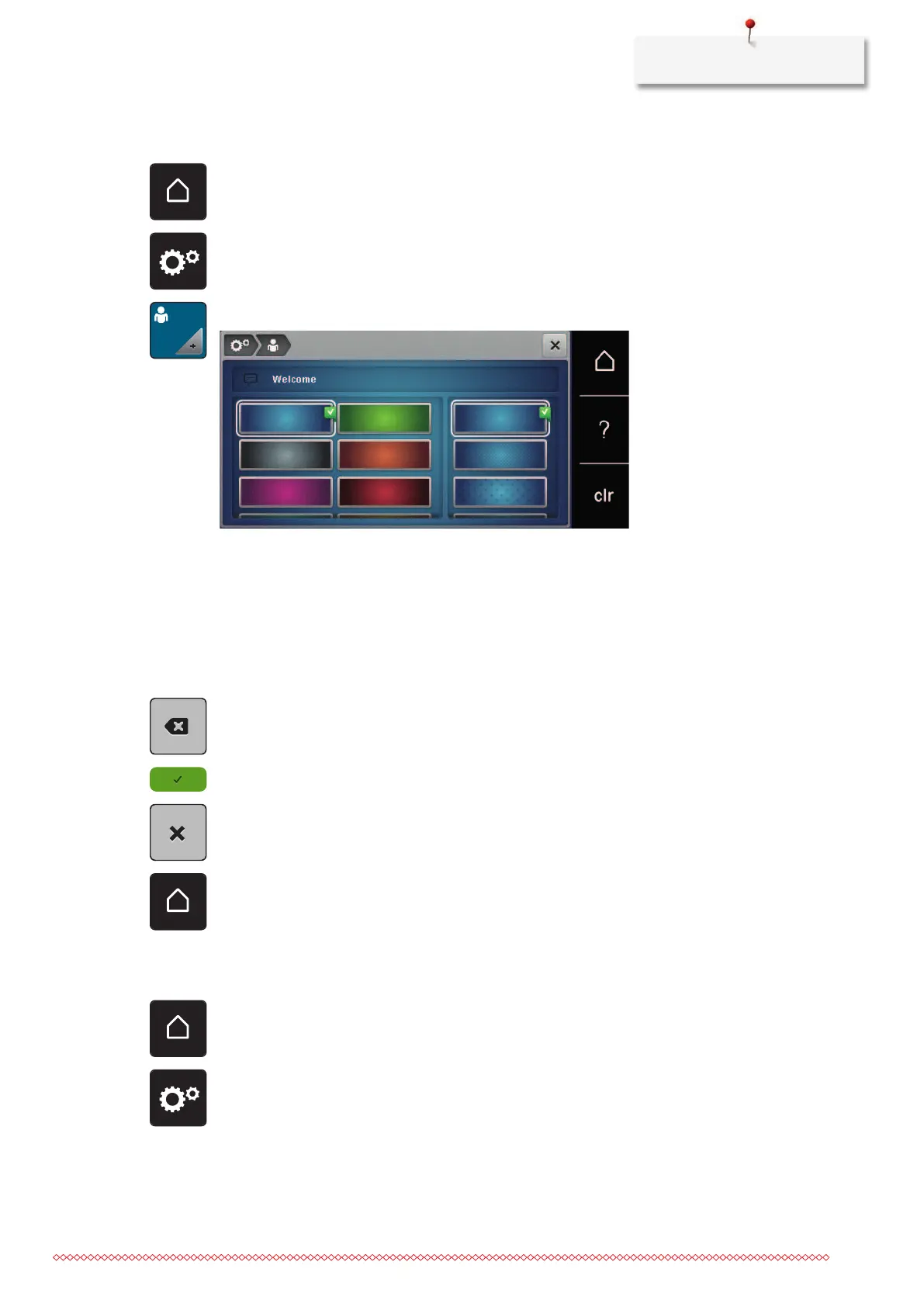
> Touch the icon «Own settings».
> Select the required display color and background.
> To change the welcome message, touch the text field above the color settings.
> Enter the welcome message.
> For upper-case letters, touch the icon «ABC» (default setting).
> For lower-case letters, touch the icon «abc».
> For numbers and mathematical symbols, touch the icon «123».
> For special characters, touch the icon «@&!».
> To completely delete the text, touch inside the text field above the keyboard.
> To delete individual letters, touch the icon «DEL».
> To accept the text, touch the icon «Confirm».
> Close the window.
> Touch the icon «Home».
– The welcome message is saved.
3.3 Monitoring functions
Activating the upper thread indicator
> Touch the icon «Home».
> Touch the icon «Setup Program».



 To Next Page