Creative embroidering
84
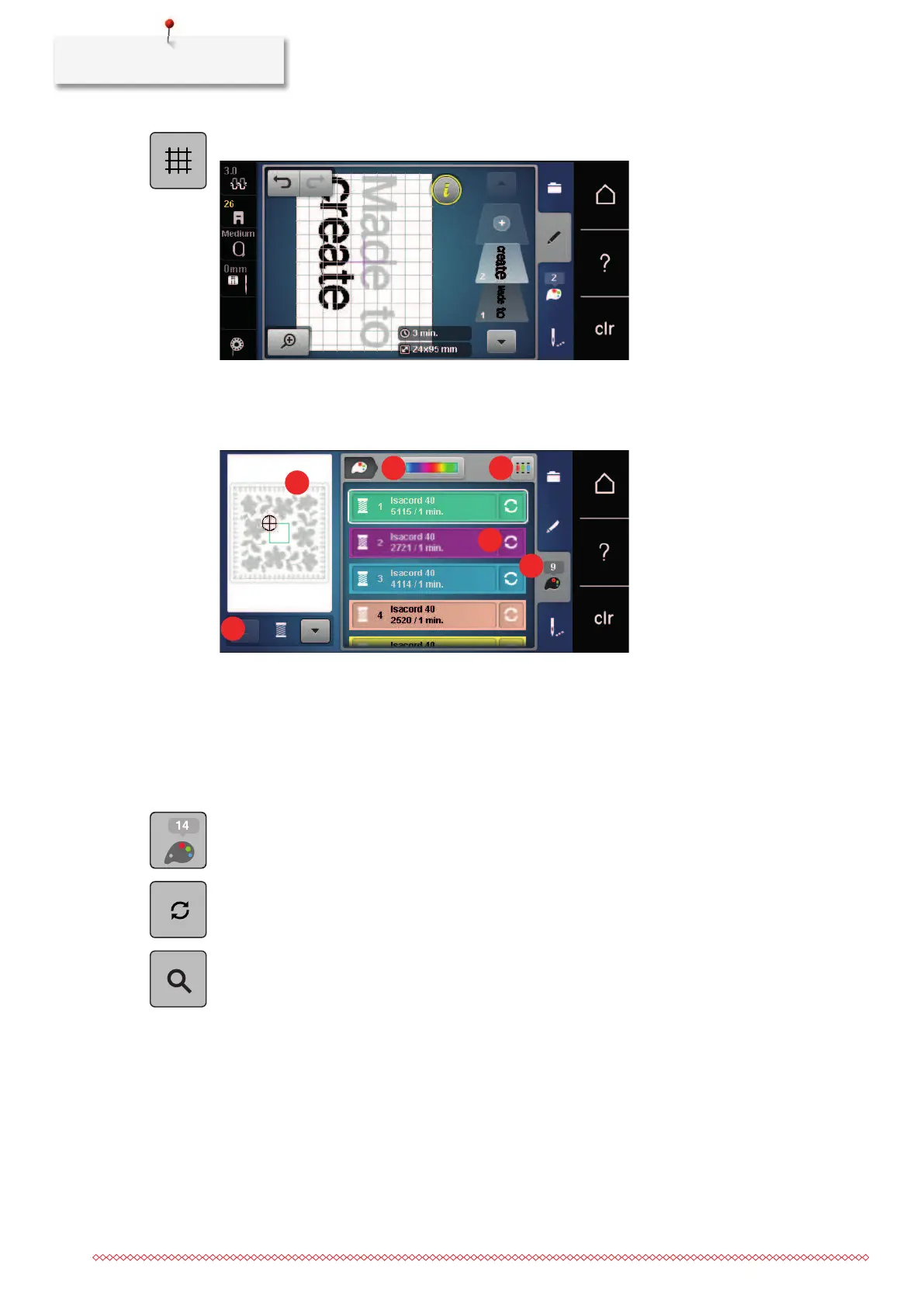
> Touch the icon «Grid on/off» to position the text lines more exactly.
5.9 Changing the colors of the embroidery motif
Overview changing the color
1 Colors of embroidery motifs 4 Allocating thread brand
2 Preview for selected color 5 Altering color/brand
3 Color wheel 6 Color information
Changing the colors
> Select an embroidery motif.
> Touch the icon «Color information».
> Touch the icon «Change color/manufacturer» beside the color that you want to change.
> To display additional colors, swipe up or down on the display.
> To select the color by entering the color number, touch the icon «Color selection by number».
> Enter the number for the required color.
– The color icon is displayed on the left.
> To confirm the color selection, touch the color icon that is displayed on the left.



 To Next Page