Creative embroidering
81
Duplicating a combination
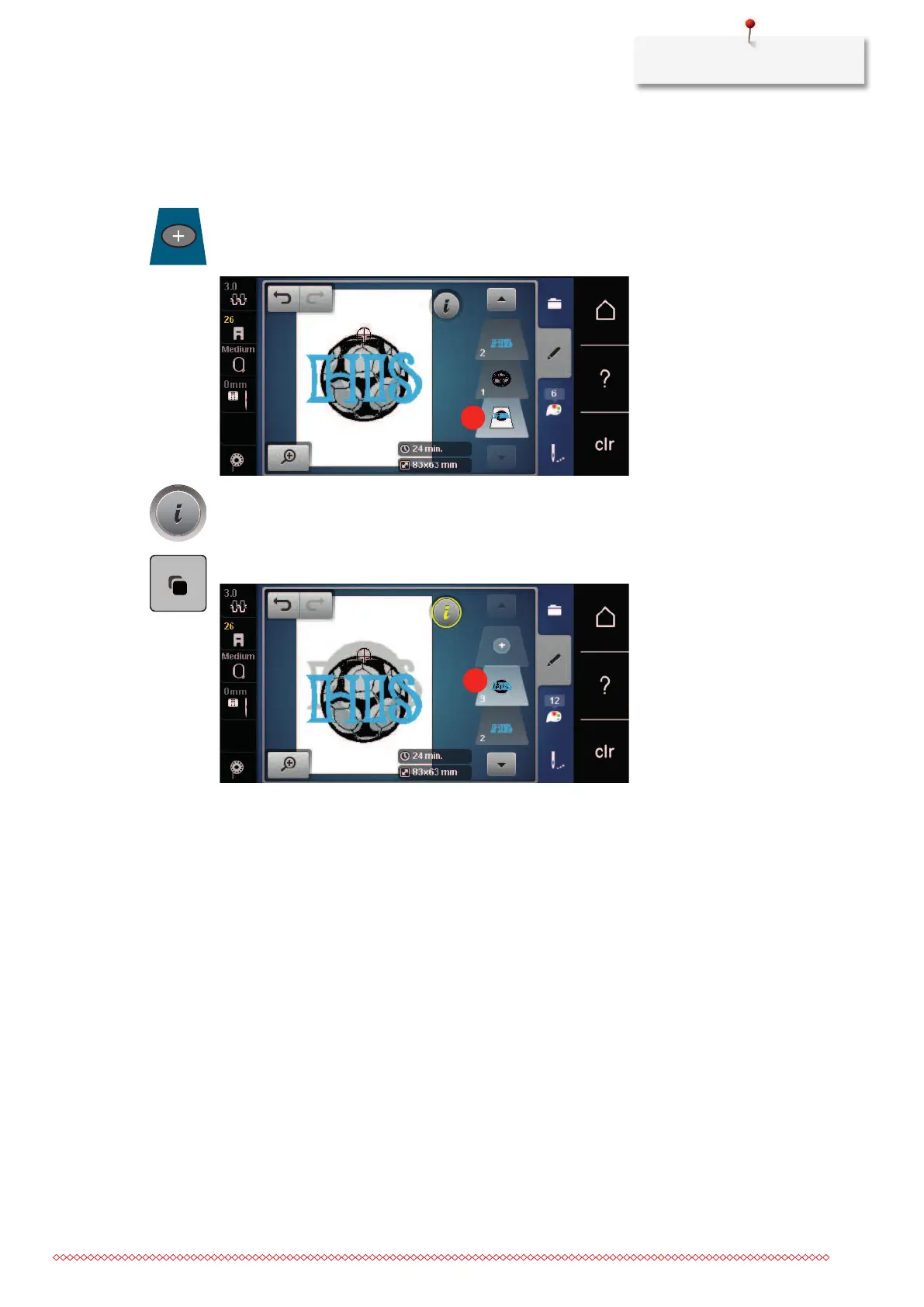
When a combination is duplicated, the individual embroidery motifs cannot be selected anymore.
> Select an embroidery motif.
> Touch the icon «Add an embroidery motif».
> Select another embroidery motif.
> Select the combination (1).
> Touch the icon «i»-Dialog.
> Touch the icon «Duplicate».
– The combination is duplicated (2).



 To Next Page